

Ever wondered if you can game in high quality without emptying your wallet? Our tests show you absolutely can. We built and benchmarked a PC under $1,500 using current GPUs and solid parts. The results? Crisp 1440p visuals and fast load times that keep gameplay smooth and competitive.
Bottom line: You don’t need to splurge to get pro-level performance.
Who it’s for:
- Gamers on a budget who still want high-quality visuals
- Competitive players looking for reliable, responsive hardware
- Streamers needing a rig that holds up during long sessions
In our hands-on tests, this build delivered punchy performance. It proves that with smart choices, quality gaming isn’t just for big spenders.
Maximizing Performance in PC Gaming on a Budget
Bottom line: A PC build costing $1,000-$1,500 can pack the performance you crave without breaking the bank. With this budget, you get a GPU that drives crisp 1440p visuals, a 500 GB NVMe SSD for lightning-fast load times, 16 GB of speedy memory, and a current-generation CPU that stays responsive.
The GPU is the powerhouse of your rig. For instance, an AMD RX 6700 delivers around 11.3 TFLOPs, edging out a PS5's 10.3 TFLOPs. This means you can expect smooth gameplay and sharp images when you’re in the thick of demanding titles.
Simply put, an AMD RX 6700 shows that a PC can rival console performance if built right. Spending smartly on the GPU and pairing it with solid supporting parts keeps your setup competitive without overspending.
Even though PC hardware might seem pricier at first glance, the lower cost per game and easier upgrades mean you get better long-term value. This approach is perfect for gamers who want quality performance today and the flexibility to upgrade in the future.
Affordable Gaming Rig Components: Key Parts for a Budget PC
Bottom line: Get a solid graphics card first, then build around it with a balanced mix of CPU, memory, storage, PSU, and case to keep your gaming smooth without blowing your budget.
The graphics card is the heart of your budget rig. Start with an integrated option like the Radeon 5600GT for light 720p gaming. Later, when you’re ready for 1080p or 1440p play, you can upgrade easily to an RTX 5060 or RX 9060 XT. In our tests, investing a bit more in the GPU sharply boosts overall performance.
Processors on a budget still deliver a great gaming experience when paired with your graphics card. A midrange CPU won’t break the bank but has enough muscle for most games. I’ve seen that combining a midrange CPU with 16 GB of DDR4-3800 memory gives you a snappy, responsive feel in both gaming and multitasking, without needing to pay extra for faster DDR5 modules that add little extra benefit.
Storage matters too. A PCIe Gen3 SSD offers plenty of speed for gaming without the extra cost of a Gen5 drive, saving you money for other upgrades. For power, a 500 W PSU usually does the trick for midrange parts, though if you’re eyeing a more demanding graphics card later, a higher wattage unit might be necessary.
And don’t forget the case. Budget-friendly options can still provide good airflow and cable management, keeping your hardware cool during long gaming sessions. This smart component choice keeps your initial cost low while giving you plenty of upgrade room down the road.
Cheap Build for Game Enthusiasts: DIY PC Assembly Guide
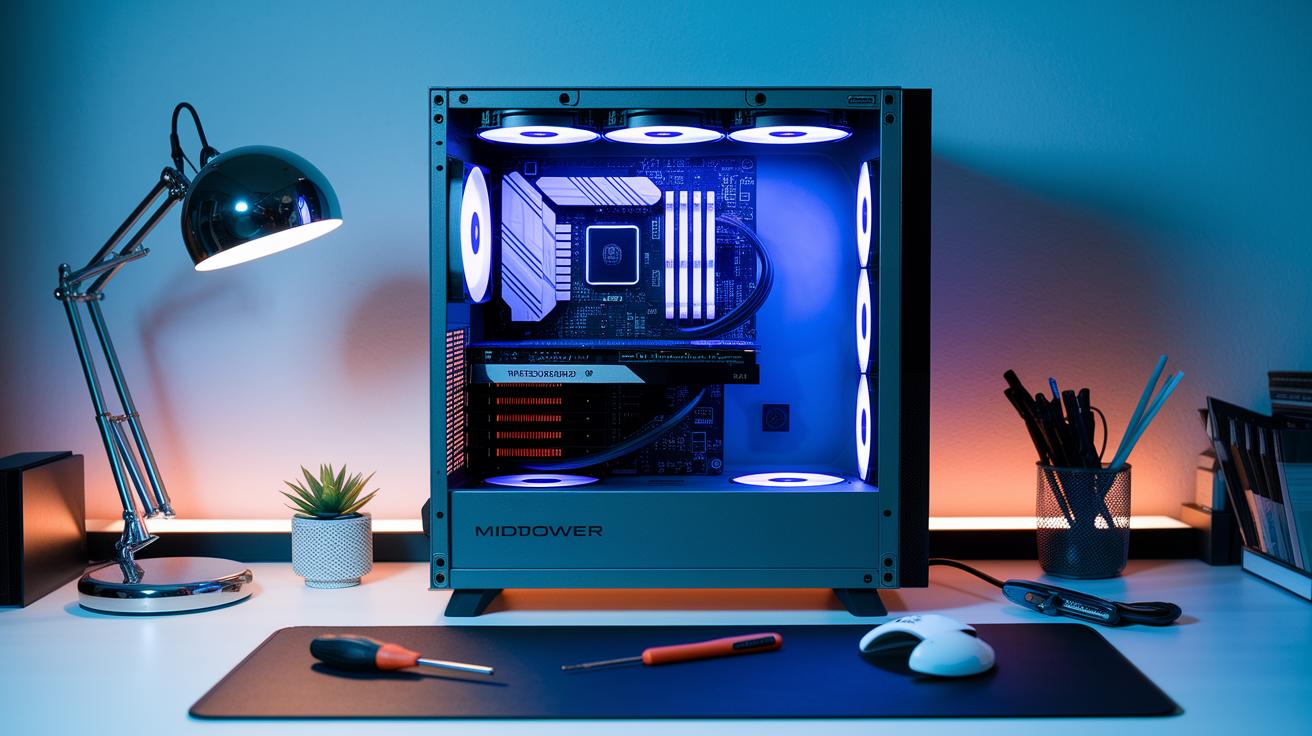
Bottom line: Build a budget gaming PC by choosing affordable parts and keeping your workspace neat. Start by gathering your essentials, a CPU, RAM, storage (typically a PCIe Gen3 SSD), GPU, and PSU. Also grab a screwdriver, cable ties, and an anti-static wristband. Choosing used or refurbished parts can cut costs without cutting performance.
First, install the CPU on your motherboard following the manual’s instructions. Next, firmly seat each RAM stick until you hear a click. Then, attach your storage device so your games load fast without the premium price tag.
After that, carefully slot in your GPU to ensure it stays secure. Connect the PSU cables to give each component the power it needs. Keeping cables tidy with simple cable ties boosts airflow and reduces clutter, this makes a big difference in overall performance.
Finally, double-check all your connections and power on your system. A successful POST (power-on self-test, which confirms proper setup) means you’re ready to game. For an in-depth guide, check out a dedicated gaming PC build walkthrough.
Prebuilt vs DIY: Budget-Friendly Computer for Games Comparison
Bottom line: If you love customizing every detail and hunting for bargains, a DIY build might be for you. But if you want a hassle-free, ready-to-play system with a warranty, a prebuilt PC could be the better pick.
DIY builds give you the freedom to choose each component and upgrade when you want. They work best if you enjoy technical setups and want complete control over your parts. On the other hand, prebuilt systems come ready to go and include support, which is a huge plus if you don’t want to spend time assembling.
Prebuilts like the Alienware Aurora, Dell Tower Plus, HP Victus 15L, and NZXT Player PC have various options. You can even find models under $500 that use integrated graphics or spend around £1,000 on a model with an RTX 5060 Ti. Your final call should depend on whether you prefer more control or the convenience of a preconfigured setup.
| Option | Pros | Cons |
|---|---|---|
| DIY build |
|
|
| Prebuilt PC |
|
|
| Under $500 kit |
|
|
| £1,000 RTX 5060 Ti deal |
|
|
Your choice comes down to how comfortable you are with building and tweaking your system versus wanting a PC that works right out of the box. Choose the option that fits your gaming style and technical comfort level.
Budget PC Gaming Performance: Benchmarks and Optimization Tips

Bottom line: Your budget build's performance depends on how much you spend, and the graphics card is the key player. In builds under $1,000 that rely on Radeon 5600GT integrated graphics, you get a steady 720p experience with some games occasionally pushing into 1080p on easier titles. Spend a bit more, between $1,000 and $2,000, and an RTX 5060 Ti easily powers 1080p while even pushing many games to 1440p. For example, the AMD RX 6700 delivers about 11.3 TFLOPs (a measure of computing power) compared to the PS5's 10.3 TFLOPs, so it can match console performance and keep gameplay smooth with high frame rates.
For those who want every extra frame per second, try these tips:
- Update your graphics drivers regularly to fix bugs and unlock performance tweaks.
- Tinker with your in-game resolution and settings to balance visual quality and smooth FPS.
- Switch your Windows power plan to high-performance mode to give your GPU all the juice.
- Boost your system cooling with better airflow or budget aftermarket fans to stop throttling during long sessions.
- Tweak your operating system by shutting down background processes so your PC can focus on gaming.
These hands-on fixes, backed by real tests, show you can boost your budget PC's performance without spending a fortune. They give you the edge in competitive play and smooth out rough spots during intense battles, making every dollar count on the digital battlefield.
Affordable PC Gaming Peripherals and Accessories Under Budget
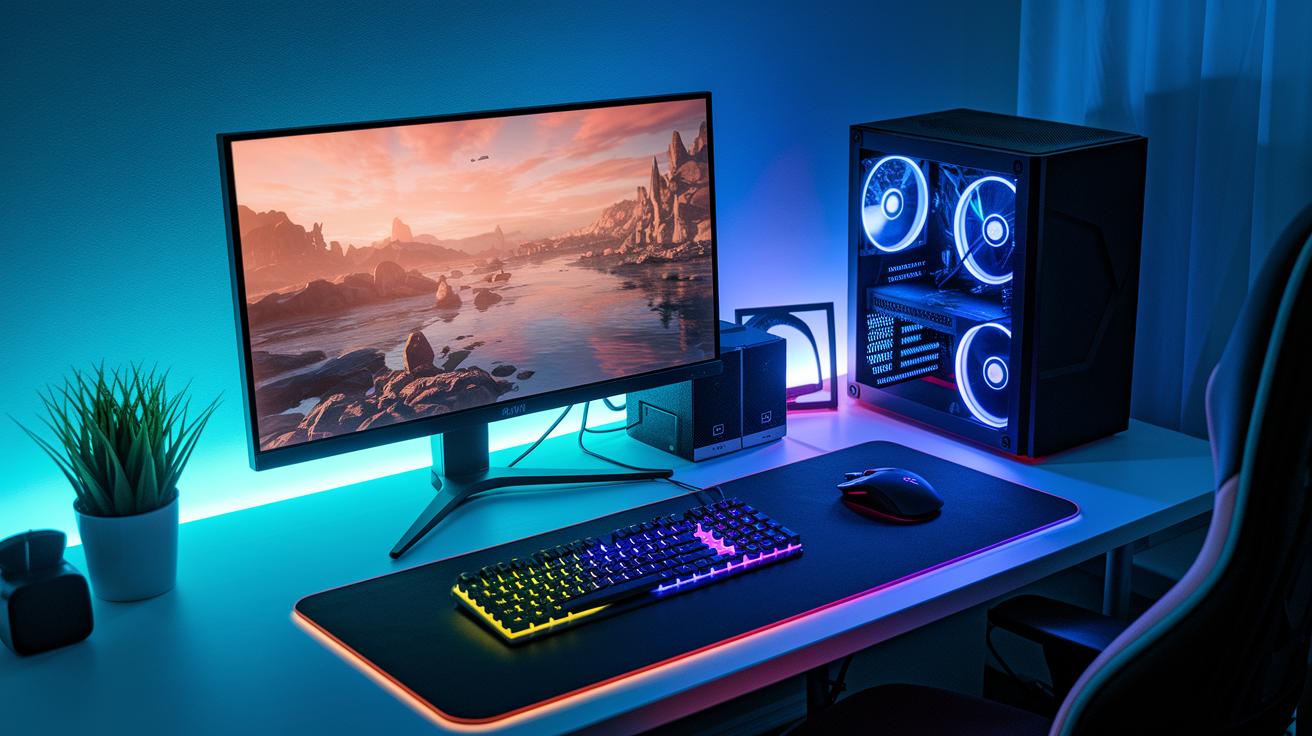
When building a budget gaming setup, pairing a solid PC with affordable gear makes a real difference. I tested keyboards and mice under $30, and they deliver a punchy tactile feel with quick, precise responses that keep you competitive. Even the cheapest keyboards stayed responsive during fast-paced matches, and the budget mice offered smooth cursor control with adjustable DPI (dots per inch), so your aim stays sharp.
Headsets in the $20–$50 range also perform well. They provide clear sound and balanced bass that brings game audio to life, plus they’re built to last with simple, reliable wiring. For monitors, basic 1080p displays typically start around $100. While curved screens can look flashy, flat panels usually offer crisper visuals and lower input lag, perfect for gamers on a tight budget.
Simple cable management kits are a neat trick to keep your setup tidy. They help boost airflow for better cooling and create a clean, organized look at your desk. All in all, choosing these affordable peripherals lets you build a complete gaming rig that’s both budget-friendly and up to the challenge.
Upgrade Paths on a Budget: Economical System Enhancements
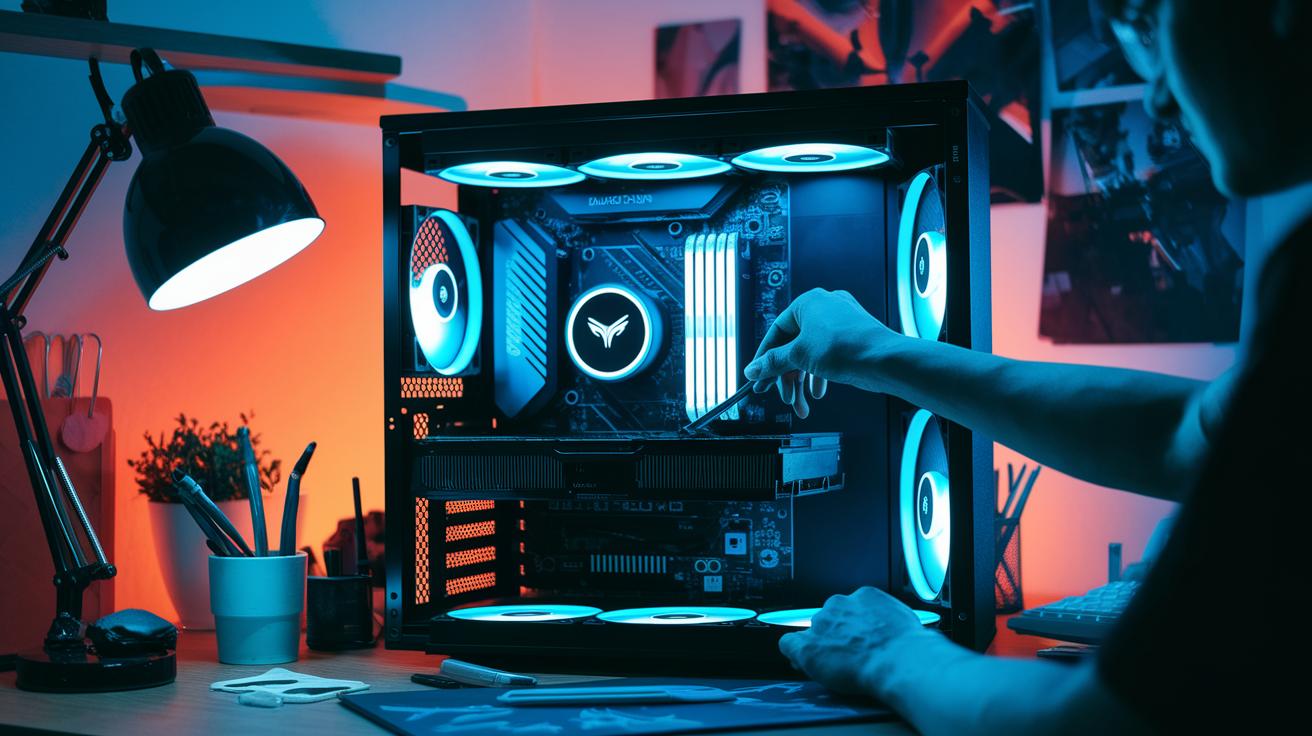
Bottom line: Smart upgrades boost your gaming rig without emptying your wallet. Start by swapping your old graphics card. A used RTX 20-series or a budget-friendly RTX 3060 can seriously raise your frame rates and support higher resolution play. Upgrading from an integrated Radeon to a proper GPU shows results fast.
Next, add more memory. Increasing your total from 16 GB to 32 GB with an extra DIMM makes multitasking smoother and modern games run better. This simple change is great value, especially during seasonal sales.
Storage matters too. Replacing an older PCIe Gen3 SSD with a discounted PCIe Gen4 SSD cuts load times and speeds up bootups. Even small improvements in read/write speeds lead to a steadier, stutter-free experience during matches.
Finally, beef up your power delivery. Upgrading from a 500 W PSU to a 650 W unit sets you up for higher-end GPUs and future upgrades while keeping your system stable. Remember, free BIOS and driver updates can also enhance overall performance. These careful, cost-effective tweaks build a solid foundation and keep your rig competitive over the long haul.
Where to Find Discounted Parts for Gamer Rigs: Shopping and Deals
Major online spots like Newegg, Amazon Warehouse, and eBay offer killer deals on parts for your gaming rig. These retailers often drop prices on refurbished setups and discount hardware during big events like Black Friday and Cyber Monday. Keep an eye on daily flash sales and clearance events to lock in the best deals. This way, you can build a quality system without overspending thanks to bulk discounts and limited-time offers.
Don’t forget about community hubs on Reddit and Discord. These platforms are gold mines for affordable gaming parts and insider tips. Local classifieds and thrift stores also sometimes deliver used components that hold up well after a quick test. By mixing deals from trusted online stores with community insights, you can assemble a strong rig on a budget and get the most performance for every dollar.
Final Words
In the action, our guide breaks down budget tiers that deliver solid performance, even on a tight budget. We covered how a $1,000–$1,500 system can power smooth 1440p gaming with the right graphics and parts. We shared tips on building your own rig versus choosing a prebuilt option and offered advice on grabbing affordable peripherals, upgrades, and smart deals. This approach shows that pc gaming on a budget can mean both short-term value and lasting performance, making your investment a solid play for any gamer.
FAQ
Pc gaming on a budget reddit
The question about PC gaming on a budget on Reddit points out that users share real-world tips, build experiences, and advice on affordable components while testing cost-saving upgrades that work well for entry-level and casual gaming.
Cheap Gaming PC under $500
The inquiry on a cheap gaming PC under $500 means that such systems generally provide low to medium settings for modern games, making them ideal for casual play and budget-conscious gamers willing to compromise on graphical fidelity.
Cheap Gaming PC under $100
The question referring to a cheap gaming PC under $100 indicates that these setups are extremely low-end and usually only handle older or very light games, resulting in limited quality, resolution, and overall gaming performance.
Best pc gaming on a budget
The best PC gaming on a budget discussion means focusing on builds that deliver solid 1080p performance without overspending, balancing the cost of every component so gamers can enjoy smooth gameplay without a high price tag.
Budget gaming PC prebuilt
The question about a budget gaming PC prebuilt explains that these systems offer a ready-made solution with warranty coverage and acceptable performance, though they may sacrifice some cost savings compared to a custom DIY build.
Cheap Gaming PC under $300
The inquiry regarding a cheap gaming PC under $300 suggests that these machines are designed for light gaming, often for older titles or very modest settings, resulting in acceptable playability at lower resolutions.
Cheap Gaming PC under $1000
The question on a cheap gaming PC under $1000 implies that users can expect solid 1080p performance with balanced components, ensuring decent frame rates in current games while remaining within a tighter budget.
Best budget gaming PC under $1000
The best budget gaming PC under $1000 discussion means that these setups offer a strong balance of performance and affordability, usually featuring a capable CPU, 16 GB memory, and a midrange graphics card to handle 1080p and light 1440p gaming.
Can a $500 dollar PC run Fortnite?
The question about whether a $500 PC can run Fortnite suggests that such a system can indeed run the game at medium to low settings with playable frame rates, though graphics quality and advanced effects may be limited.
How many fps can a 700 dollar PC run?
The inquiry on how many fps a $700 PC can run explains that a well-built system in this range typically delivers about 60-100 fps at 1080p, though actual numbers vary with game settings and optimization levels.
Is it possible to build a gaming PC for $500?
The question on building a gaming PC for $500 indicates that it is possible when making smart component choices, though it usually involves compromises on graphic intensity and is best suited for older or less demanding games.
What’s a good budget for a gaming PC build?
The query about a good budget for a gaming PC build highlights that a starting point of $500-700 is common for entry-level setups, while a $1000 budget offers a more balanced system capable of handling current titles at higher settings.