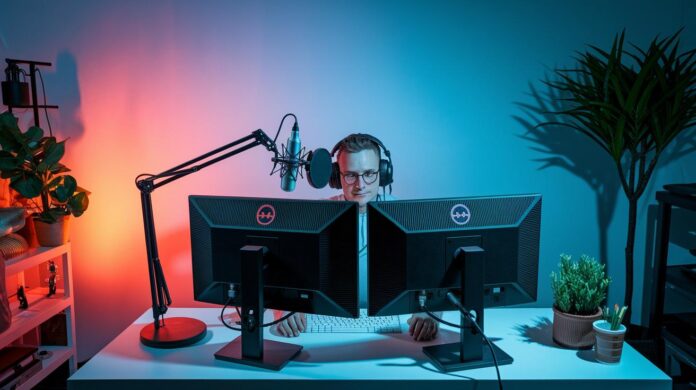
Ever feel like your stream isn’t hitting the mark? The right gear can flip the game. Bottom line: a balanced streaming kit gives you crisp audio, buttery visuals, and simple controls without emptying your wallet.
Imagine it like this, each piece of your setup, from your mic to your monitor, plays a vital role, just like the perfect mix of tools in your favorite game. In this guide, we dive into top gear picks for every budget so you can boost your streams and keep your viewers hooked.
Best Streaming Gear Recommendations for Every Budget
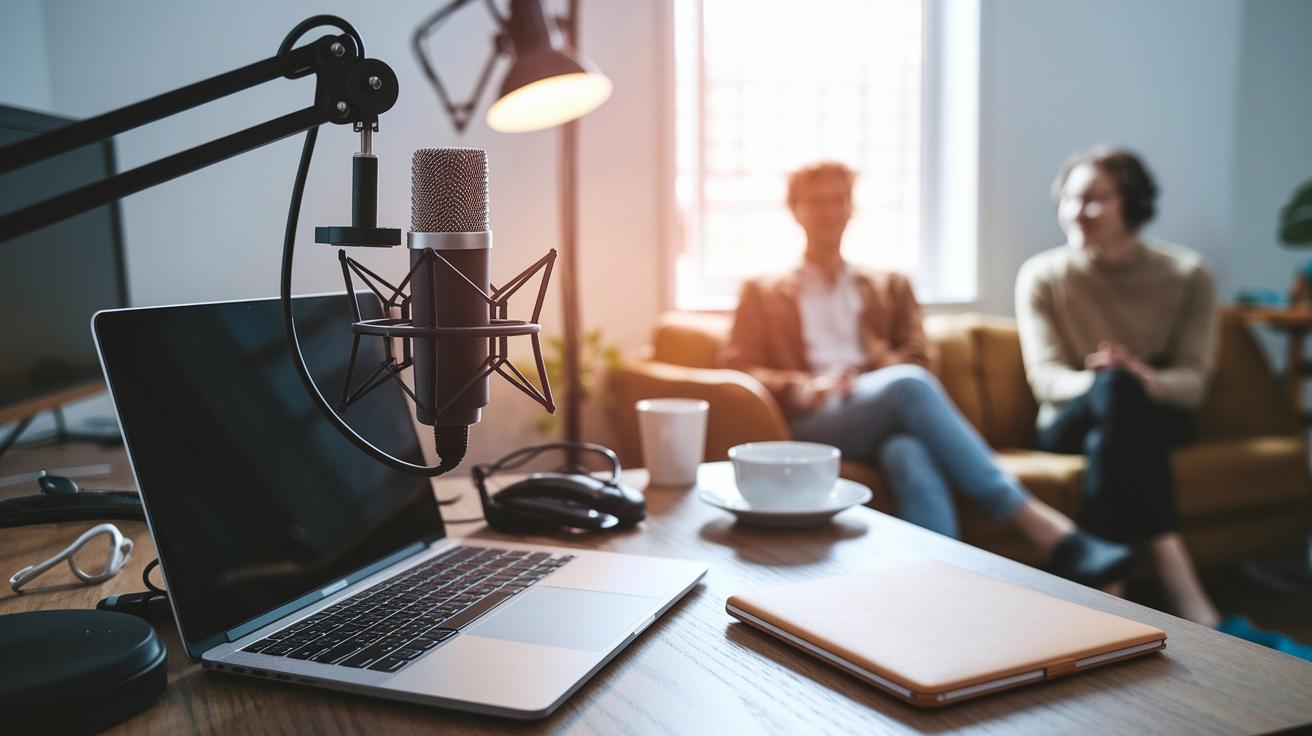
Bottom line: A balanced kit is essential. It gives you crisp audio, smooth video, and easy controls without blowing your budget.
Your stream’s look and feel come from picking the right mix of gear. If you overspend on one piece while skimping on another, your stream won’t shine as it should. Whether you’re new to streaming or upgrading with premium tools, a complete setup makes your stream reliable and engaging. Clear sound and smooth visuals help keep your broadcast professional, even if funds are tight.
| Category | Model | Price Range | Best For |
|---|---|---|---|
| Microphone | Shure MV7+ | $249 | Professional voice clarity |
| Microphone | Blue Yeti Nano | $99 | Budget-friendly near-pro quality |
| Webcam | Razer Kiyo Pro Ultra | $199 | Crisp high-definition visuals |
| Capture Card | Elgato Game Capture HD60S | $179 | Smooth gameplay recording |
| Controller | Elgato Stream Deck Plus | $149 | Customizable stream control |
This guide lets you quickly compare top choices by key category. Beginner streaming kits generally run between $300 and $400, while advanced setups might cost $500 to $700, plus about $1,000 more for a gaming PC. With many items available at a 10% studio kit discount, there’s a solution for every budget and streaming style. For a deep dive into creating a winning streaming setup, check out our full guide at https://gadetreviews.com?p=streaming_setup.
Professional Microphones in the Best Streaming Gear Lineup
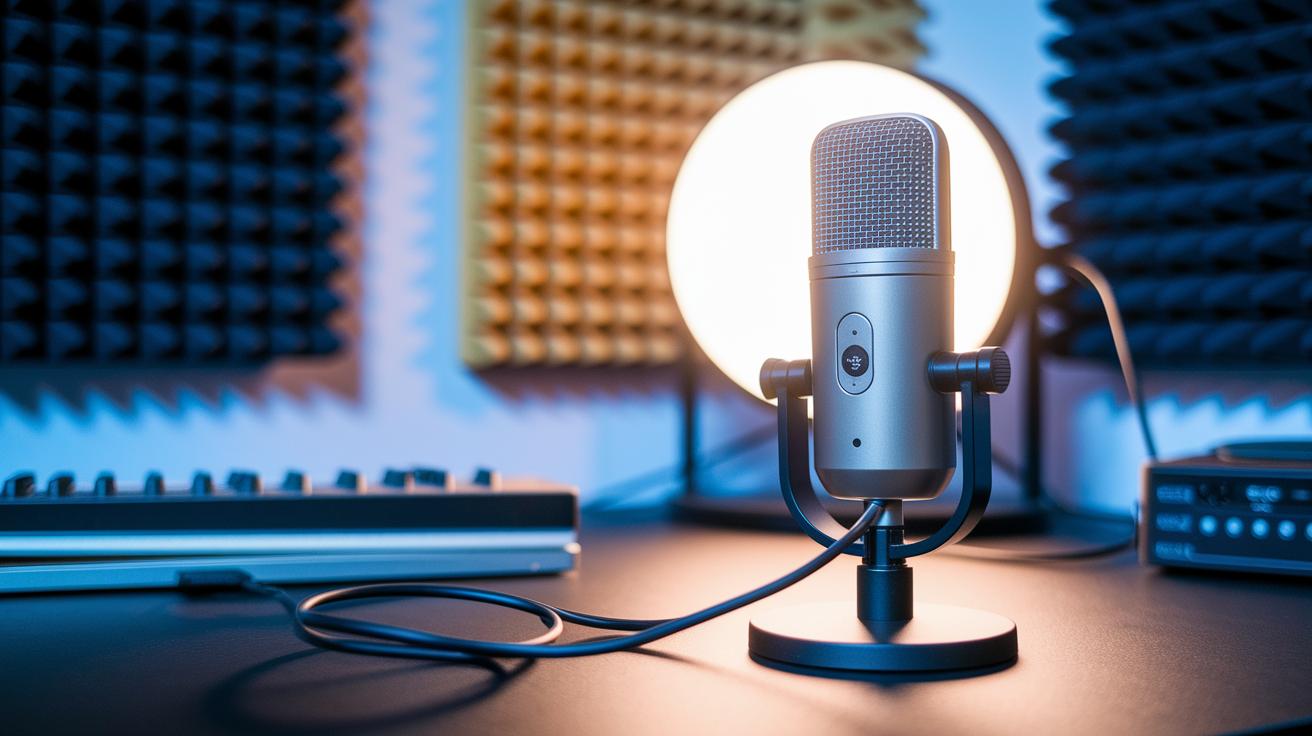
A great microphone is the secret sauce to a clear and engaging stream. It cuts down background noise and delivers top-notch audio so your broadcast always sounds professional. Check out our guide on choosing the right mic for your setup: Learn more about choosing a streaming microphone.
Shure MV7+
The Shure MV7+ packs dual connectivity with USB-C and XLR outputs. Its built-in noise filter keeps unwanted sounds at bay so your voice stays crisp, even in noisy environments. This mic is perfect for streamers who need a reliable workhorse for both casual sessions and pro setups. One thing to note: you might have to grab a few extra accessories to unlock its full potential.
Blue Yeti Nano
For those on a budget who still want near-pro quality audio, the Blue Yeti Nano is a solid pick. Its plug-and-play design means you can get started quickly with minimal fuss. While it may not offer the same level of customization as more expensive mics, it delivers quality audio right out of the box. This makes it an excellent choice for newcomers looking to upgrade their streaming game without the extra hassle.
SteelSeries Alias Pro
The SteelSeries Alias Pro offers flexibility with both USB and XLR connections and comes with Sonar software for detailed sound adjustments. This mic is aimed at streamers who want to fine-tune their audio setup. However, the Sonar software can put a heavy load on your CPU, which might be a challenge if you’re running an older or less powerful system. Consider this option if you have a high-end rig that can handle extra processing.
When choosing between USB and XLR, think about your current gear and future plans. USB mics are simple and ready to go, while XLR setups let you customize your sound more deeply and plan for future upgrades.
Best Streaming Gear: High-Definition Cameras & Webcams
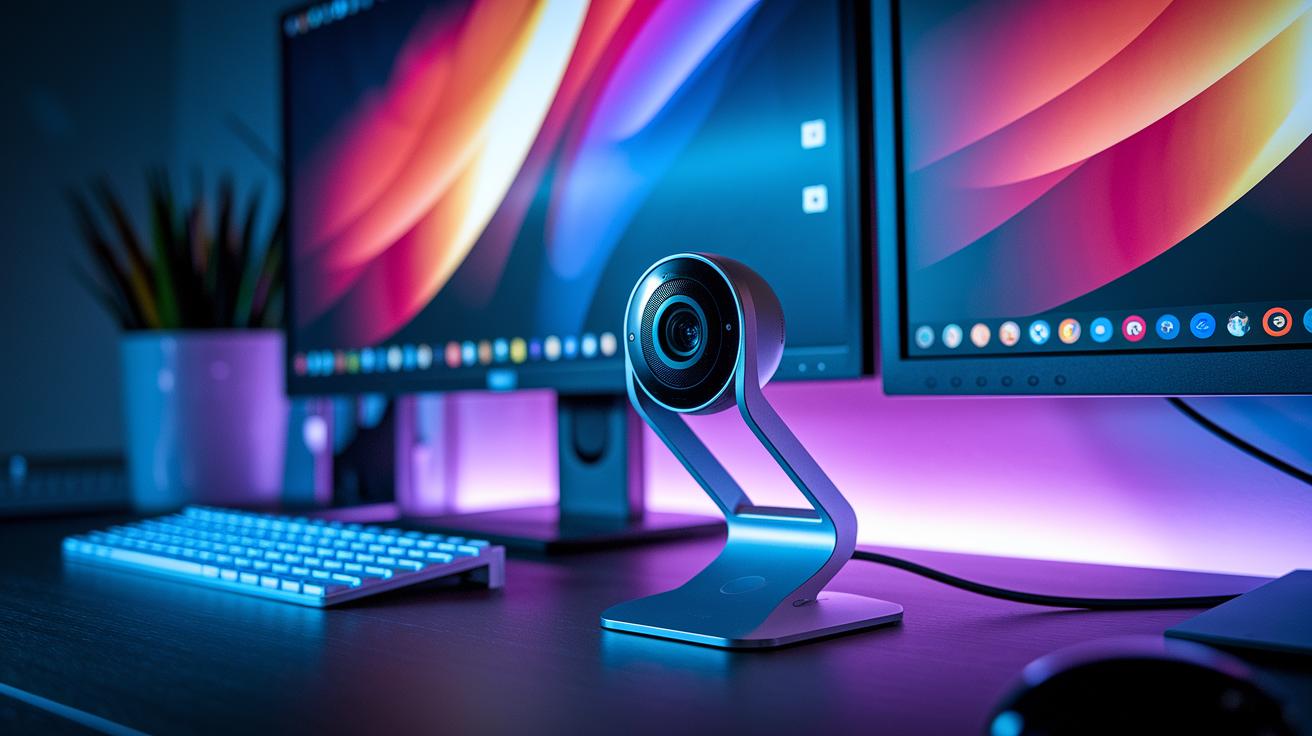
Streaming is all about crystal-clear visuals. Crisp resolution and smooth motion make your content pop on screen. Whether you're after 4K at 60 fps with HDR or steady 1080p at 60 fps, the right camera can step up your live show and production quality.
Razer Kiyo Pro Ultra
The Razer Kiyo Pro Ultra delivers stunning 4K HDR visuals and buttery motion that really capture your game. It handles changing light conditions with ease, making it a top pick for pros. Just a heads up: its high-res capture can sometimes eat up USB bandwidth on older systems, which might slow things down a bit.
Logitech StreamCam
The Logitech StreamCam brings solid 1080p at 60 fps action that nails every detail. Its design is perfect for tight shots and personal streams. However, since it relies on USB-C, using several high-demand devices on the same port may hold back performance. This camera is best for those who value ease of use and reliable quality over ultra-high resolution.
Insta360 Link
The Insta360 Link stands out with its smart, AI-powered framing that keeps you perfectly centered. Its compact 4K design fits snugly in small spaces. On the downside, its software can occasionally misstep, leading to minor hiccups in tracking accuracy.
Remember, proper camera placement and quality lighting really count. Position your camera at eye level and use soft, diffuse lighting to keep shadows in check, this simple trick can make your stream even more engaging.
Essential Mixers and Controllers in Best Streaming Gear
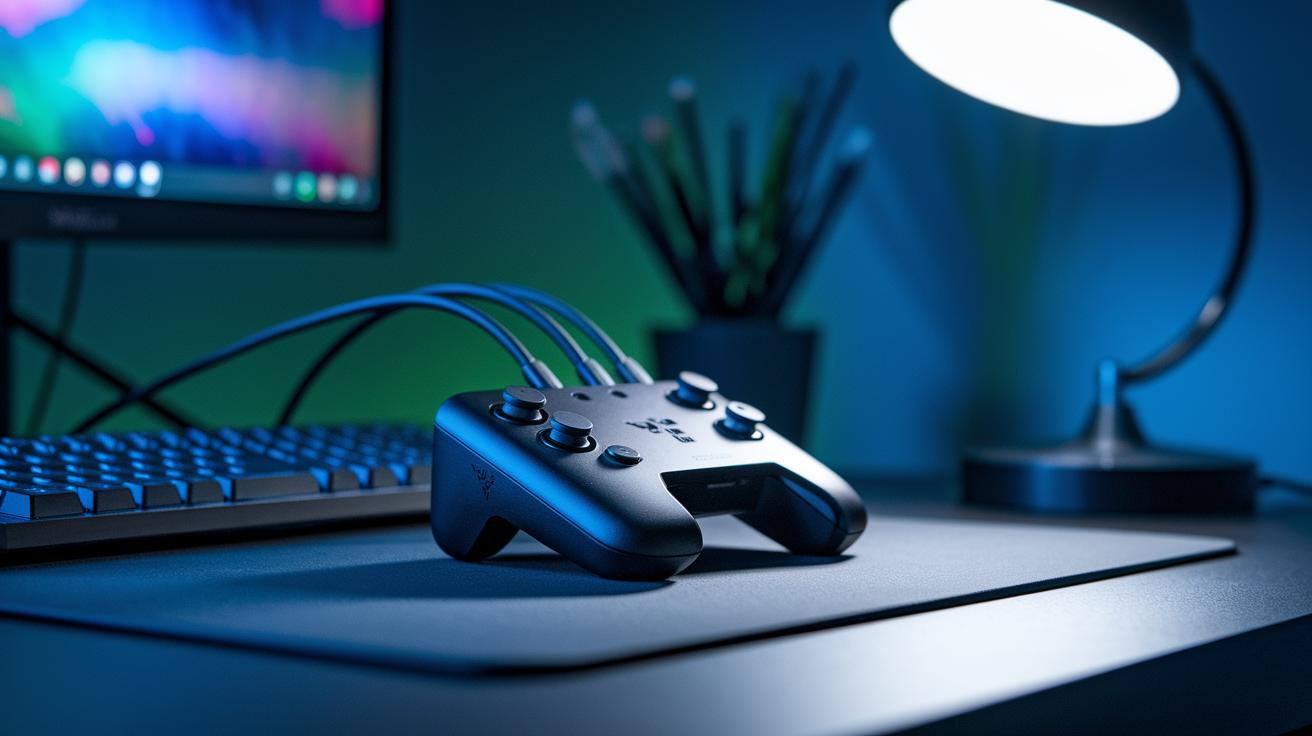
Bottom line: These devices give you fast, hands-on control over your stream's audio and visuals. They help you adjust sound levels and switch scenes quickly, making technical glitches a thing of the past.
Mixers and controllers let you manage multiple audio sources and video feeds with ease. Whether you're a beginner or a pro, they smooth out your stream so everything feels natural and engaging.
Key features to look for:
- Fader count
- Programmable keys
- Input types (USB, XLR, audio line)
- Software integration
For quick adjustments, the Razer Stream Controller X is a top pick. Its compact design and tactile knobs make it easy to tweak your audio mix on the fly. If you need even faster scene switching and sound control, the Elgato Stream Deck Plus offers eight programmable keys, a touch bar, and volume dials. Meanwhile, the RodeCaster Duo steps things up with four faders, SMART pads, and dual XLR and USB-C inputs. This powerful tool is great for streamers aiming for broadcast-quality production.
Choose the device that fits your needs. Beginners might love a simple stream deck, while experienced channels could benefit from the extra controls of a full-featured mixer.
Lighting and Backdrops for Best Streaming Gear Setup
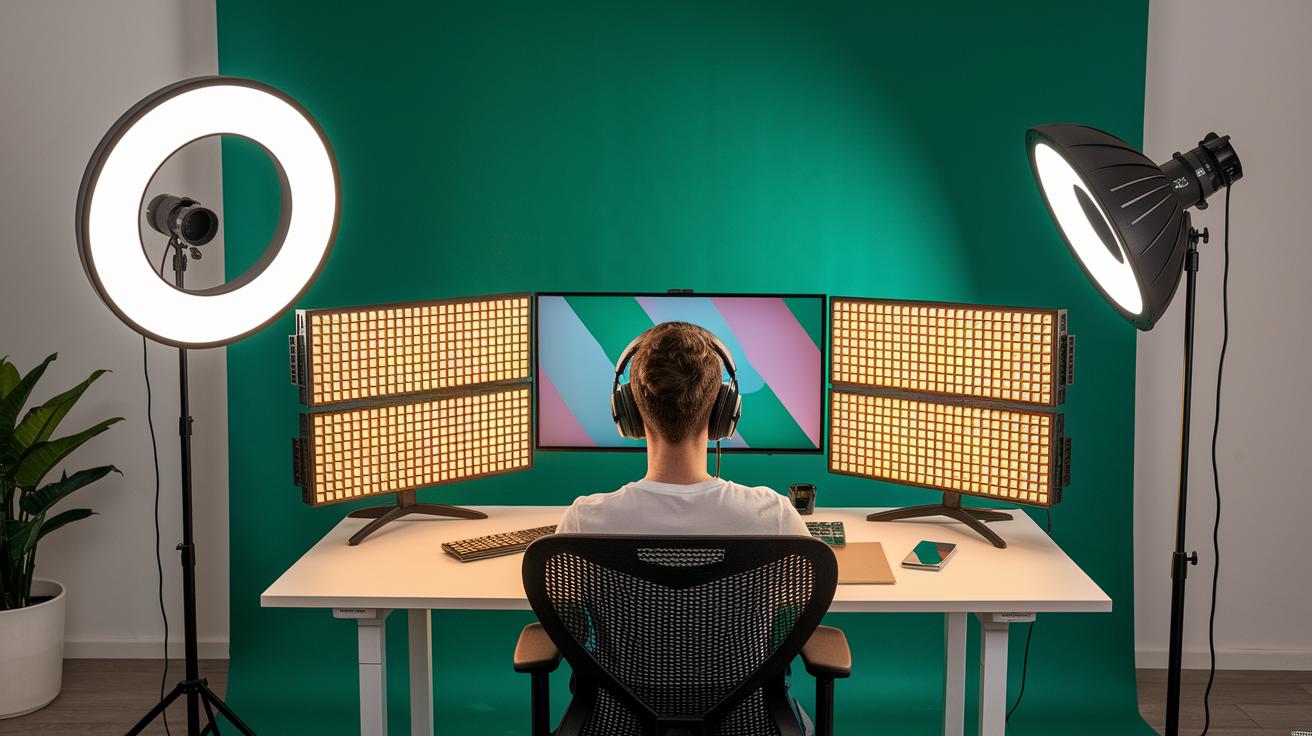
Bottom line: Good lighting and the right backdrop make your stream look sharp and distraction-free.
A bright setup cuts out harsh shadows and helps your broadcast really stand out. When your lighting is on point, your video stays clear and your background stays neat, letting viewers focus on what matters.
- Lumecube Ring Light Pro – This 17.5-inch adjustable ring light spreads even, natural light over your whole setup.
- Neewer Collapsible Backdrop – A pop-up green screen with multiple mounting options that brings extra flexibility to your scenes.
- Adjustable boom-arm LED panels – Tweak these panels to control angles and brightness so you can light exactly the areas you need.
- Budget LED ring lights – These cost-effective lights offer soft, consistent illumination for a warm, inviting look.
- Portable green-screen kits – Set them up anywhere to create a flexible background that adapts to different streaming needs.
Place your lights to cut harsh shadows while highlighting your features. Play around with different positions and color settings until you find a mix that feels natural. You might go for warmer tones if you want a friendly vibe or cooler ones for a modern, crisp look.
Capture Cards, Hubs, and Network Gear in Best Streaming Gear Collections
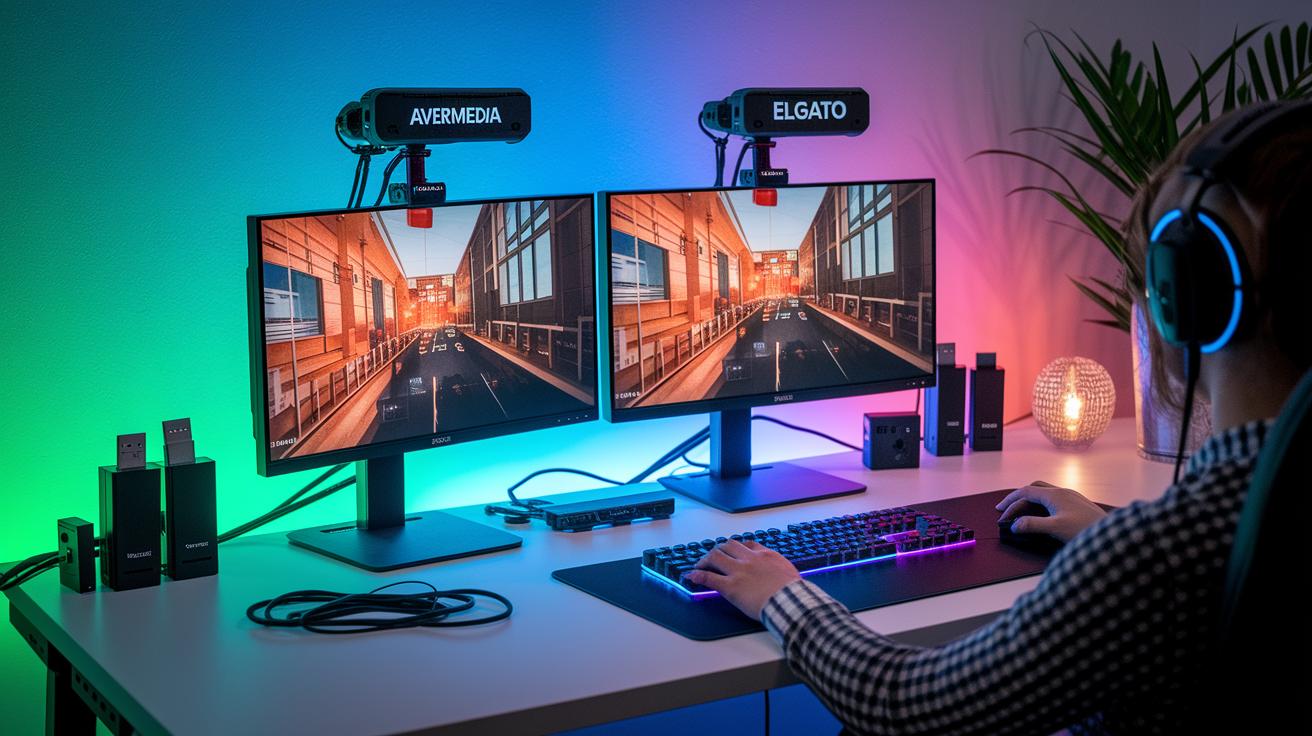
Capture cards are a must for smooth, low-latency streaming. The AverMedia Live Gamer Ultra 2.1 gives you rich, bright colors and buttery smooth motion. The Elgato Game Capture 4K Pro uses a PCIe 2.0 x4 slot and VRR passthrough to capture steady 4K video. And if you need an audio boost, the Rode Streamer X doubles as an audio interface, handling up to 4K at 30 fps with ease.
USB and HDMI hubs are real game changers when it comes to adding extra devices. These capture boxes keep your streaming setup neat and help you switch between inputs quickly so you never miss a key moment on stream.
A rock-solid network setup makes all the difference for a lag-free stream. Gigabit Ethernet, paired with network boosters, ensures you hit the upload speeds needed for smooth 1080p at 60 fps. This gear stands up to heavy online sessions, keeping your broadcast steady even when data traffic peaks.
Computers, Internet, and Performance Optimization for Best Streaming Gear

Bottom line: Your stream starts with a strong computer and a solid network connection. For a smooth experience, a desktop PC with a high-end graphics card, 16-32 GB of RAM, and a fast CPU will handle multiple programs during live sessions with ease. Laptops can work, but only if they pack a top-tier CPU and GPU to keep up with the heavy processing needed for gaming and rendering tasks.
Investing in good hardware is critical as higher resolutions and faster processing become the norm. With streaming revenues expected to jump from $8.40B in 2025 to $13.85B by 2030 at a 10.52% annual rate, having a powerful setup means you’re ready for the future.
A reliable, lag-free stream also hinges on your network. Always use a wired Ethernet connection for steady data transfer. Aim for at least a 10 Mbps upload speed to keep your 1080p stream smooth. High-quality cables and the right network gear help cut down on packet loss, saving you from unwanted interruptions even when traffic peaks.
Budget smartly when building your gear. Entry-level streaming setups generally cost around $300 to $400, while more polished rigs fall between $500 and $700. If you plan to add a powerful gaming PC, expect about an extra $1,000 investment. Balancing cost with performance today sets you up for a reliable, high-quality broadcast as the streaming landscape evolves.
Software and Workflow Tools in the Best Streaming Gear Ecosystem
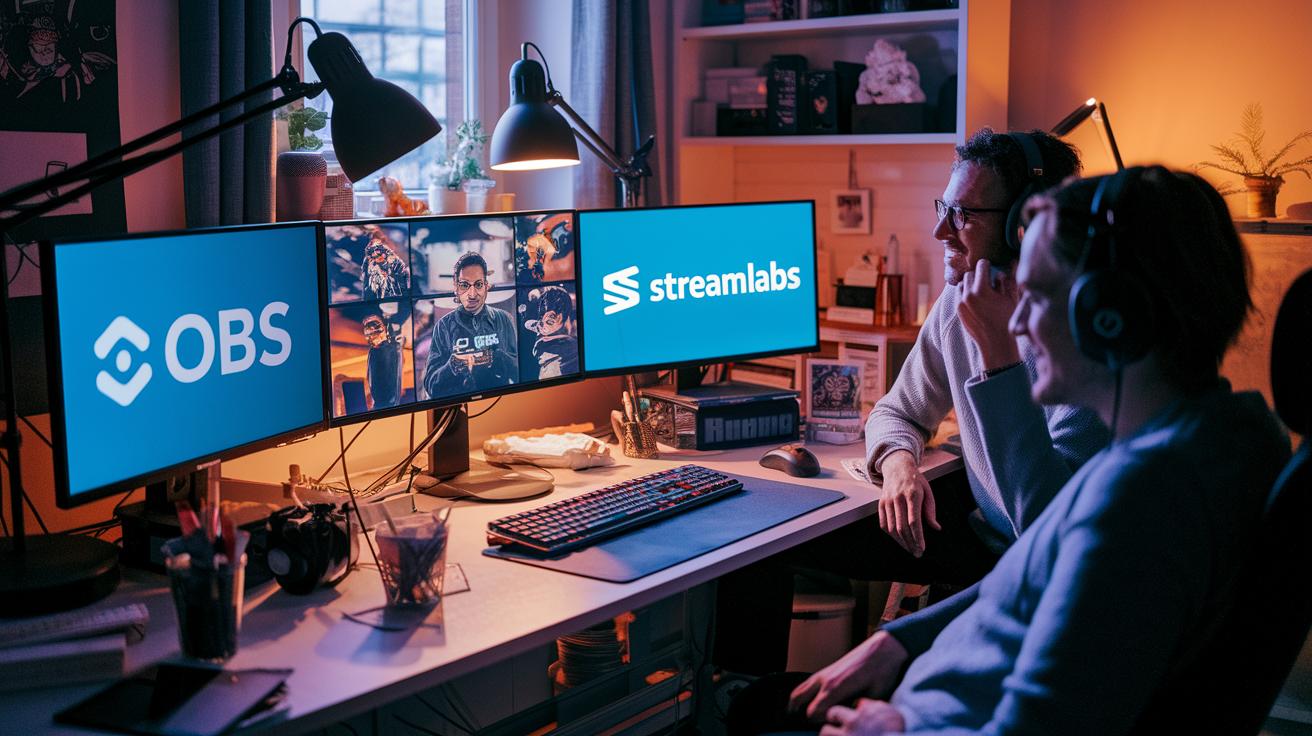
Bottom line: Your stream’s success starts with the right software. Many streamers kick off with free options like OBS Studio and Streamlabs that deliver solid performance without costing a dime. If you’re after more features and dedicated support, XSplit is a strong paid alternative. All of these tools easily connect with platforms such as Twitch, YouTube, and Facebook Gaming, making live edits and multi-platform streaming simple.
Advanced overlay tools and rapid scene-switching software can take your stream to the next level. Modern programs offer custom digital layouts and dynamic overlays tailored to your brand. With tools like those found in select Stream Deck models, switching between scenes feels smooth and effortless. This extra level of control not only looks polished but also boosts viewer engagement.
A smart workflow is key when every second counts. A flexible setup that supports plugin integration and automation helps cut down on manual effort during broadcasts. By linking advanced overlays, fast scene transitions, and multi-platform restreaming services, you can deliver content with minimal delay and maximum impact. This integrated system makes it easy to handle last-minute changes while keeping your broadcast high-quality and engaging.
Final Words
In the action, this guide broke down every key element, from powerful microphones and high-definition cameras to control surfaces and lighting, to help you build a balanced stream kit. We covered everything from capture cards and optimized PC setups to software that smoothens your workflow. These hands-on insights shape a setup that can boost play and capture performance. When you pair these tips with our full streaming setup guide, you’ll be ready to elevate your game with the best streaming gear. Enjoy the upgrade and game on!
FAQ
Best streaming gear reddit
The best streaming gear on Reddit represents community-tested options, usually featuring mics like the Shure MV7, webcams like the Razer Kiyo Pro Ultra, and other gear that balance performance and value based on real-world gamer feedback.
Live streaming equipment setup
The live streaming equipment setup incorporates a quality mic, high-definition camera, capture card, lighting, and a capable PC or console to deliver smooth, responsive broadcasts with clear visuals and audio.
Best streaming gear for Twitch, streaming equipment for Twitch, streaming kit for gaming, and what gear do I need to start streaming?
The best streaming gear for Twitch and gaming includes a solid mic, reliable camera, capture card, and proper lighting. This balanced kit ensures clear audio, crisp visuals, and an overall smooth streaming experience for beginners and pros alike.
Streaming equipment for PS5
Streaming equipment for PS5 typically includes a capture card, quality microphone, and camera, along with software integration to broadcast smooth, high-definition streams that leverage the console’s capabilities.
Best streaming setup PC and streaming equipment bundle
The best streaming setup PC or equipment bundle features a powerful computer with a top-tier GPU and CPU, complemented by essential peripherals such as a microphone, camera, capture card, and lighting to support seamless, high-quality streaming.
Can you make $1000 a month on Twitch?
Earning $1000 a month on Twitch is possible with consistent streaming, audience growth, and diverse monetization avenues like subscriptions, donations, and sponsorships, though earnings vary by individual effort and niche.
Who is the #1 streamer in the world?
The #1 streamer in the world is a moving target, often determined by current viewer counts and earnings; popular figures shift as trends change and new content creators rise in prominence.
Is there a device that has all streaming services?
There isn’t a single device that handles all streaming services. Streamers typically use a mix of hardware like capture cards, mics, and cameras alongside software to manage various platforms effectively.