Level Up Your Streams
TL;DR: A streaming kit packs high-quality mics, sharp webcams, smart lighting, and more into one bundle. It’s the quick upgrade you need to take your broadcasts to pro level.
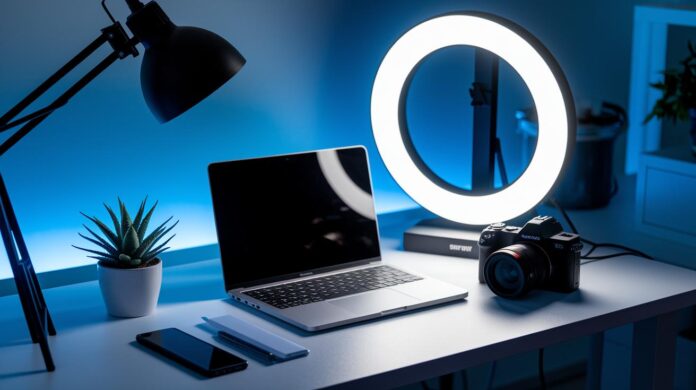
Ever wonder how top streamers keep every show running smoothly? Chances are, they’ve already upgraded to a streaming kit. This package brings together a crisp microphone, a high-res webcam, smart lighting, and extra gear in one tidy bundle. In simple terms, it’s like swapping a tricycle for a racing bike – everything clicks together so you can focus on your stream without any hassle.
If you’re ready to boost your live broadcasts with gear that works in sync, a streaming kit might be just what you need.
What a Streaming Kit Includes: A Complete Live Media System
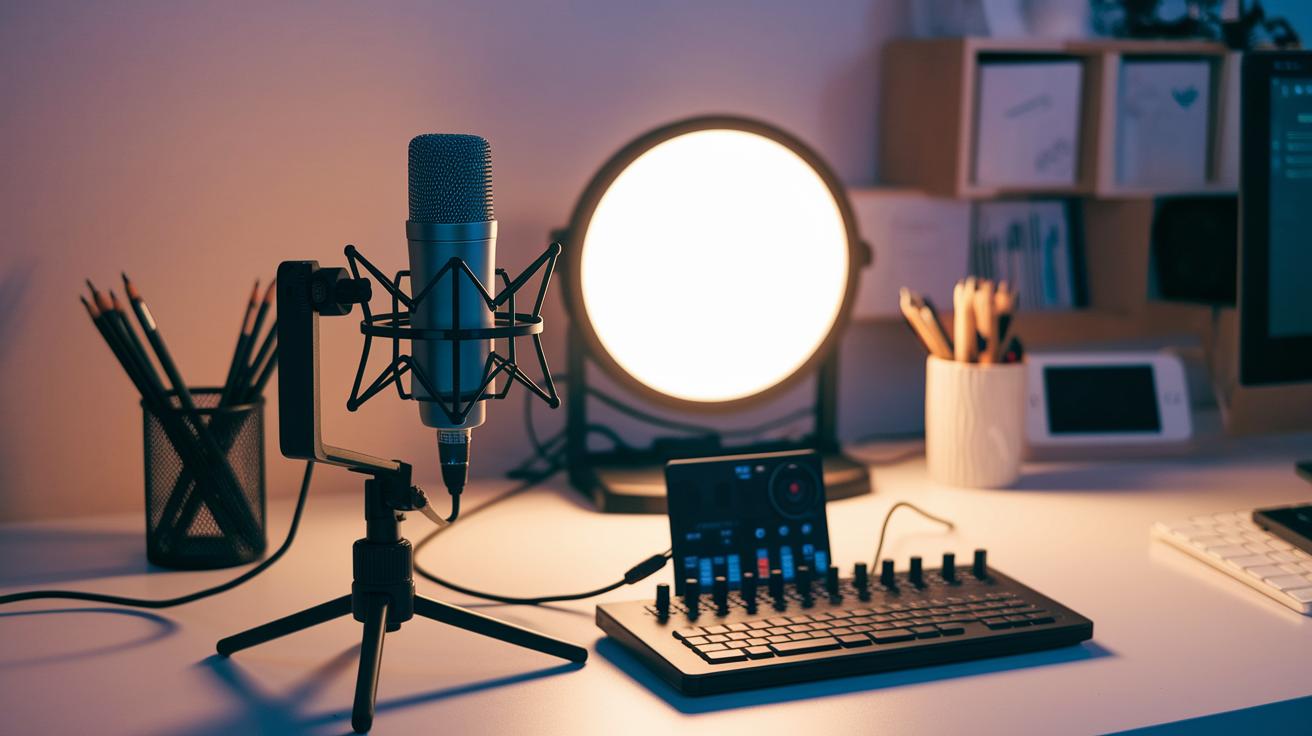
A streaming kit bundles all the gear and software you need for live broadcasts on Twitch, YouTube, and Facebook Live. Bottom line: It gives you a ready-to-go setup for professional-quality streams without the hassle of picking parts one by one.
- Microphone: Captures crisp audio so your voice comes through clearly.
- Webcam: Shoots high-resolution video for smooth, detailed visuals.
- Lighting: Provides even, adjustable light that cuts shadows and boosts your on-camera look.
- Capture Card: Converts video signals from consoles or cameras into a format your streaming software can use.
- Audio Interface/Mixer: Balances game sound, music, and commentary so you control every audio detail.
- Green Screen: Lets you switch or blur your background to create a cleaner, more professional setup.
- Streaming Software and Accessories: Combines everything in one place to manage overlays, alerts, and transitions easily, with all the necessary cables and stands.
For beginners, plug-and-play kits are great because they are simple to set up and cover all the basics. As you level up your streaming game, you might want a kit that lets you upgrade parts like capture cards or mixers. This way, your streaming kit can grow with you, keeping your setup fresh and professional over time.
Audio Essentials in Your Streaming Kit
Key Streaming Microphones
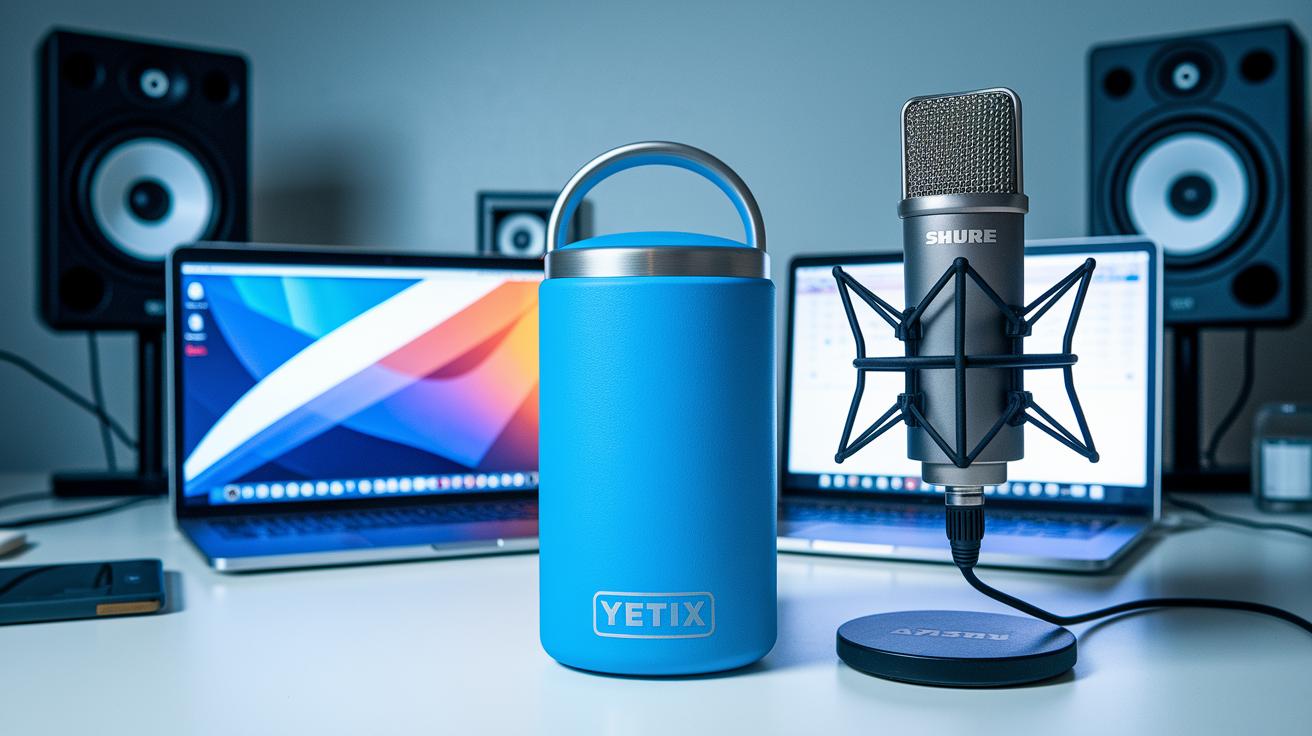
Bottom line: Your microphone is the heart of every professional stream. The Blue Yeti X stands out with four pick-up modes and Blue VO!CE software that delivers clear, broadcast-quality sound. Priced between $150 and $250, it’s a solid pick for streamers who need versatile, reliable audio.
If you’re looking for flexibility, the Shure MV7+ might be your go-to. It offers both USB-C and XLR connections, so you can switch between digital and analog setups easily. With built-in DSP presets and voice isolation, it helps you capture your voice without unwanted background noise. Both mics aim to deliver a perfect balance of performance and price, making them great candidates for your streaming kit.
Audio Interfaces & Mixers
Bottom line: A good mixer can make or break your sound. The RodeCaster Duo gives you four physical faders and SMART pads that let you adjust levels seamlessly during a live session. This means you can quickly blend multiple audio sources without missing a beat.
On the other hand, the SteelSeries Alias Pro offers an all-in-one solution. With built-in XLR support and an integrated sound card, it simplifies your setup while still delivering sharp, responsive sound control. Both options have been tested to ensure clear and dynamic audio, perfect for elevating your stream’s quality.
Video Components for High-Quality Streaming Kit
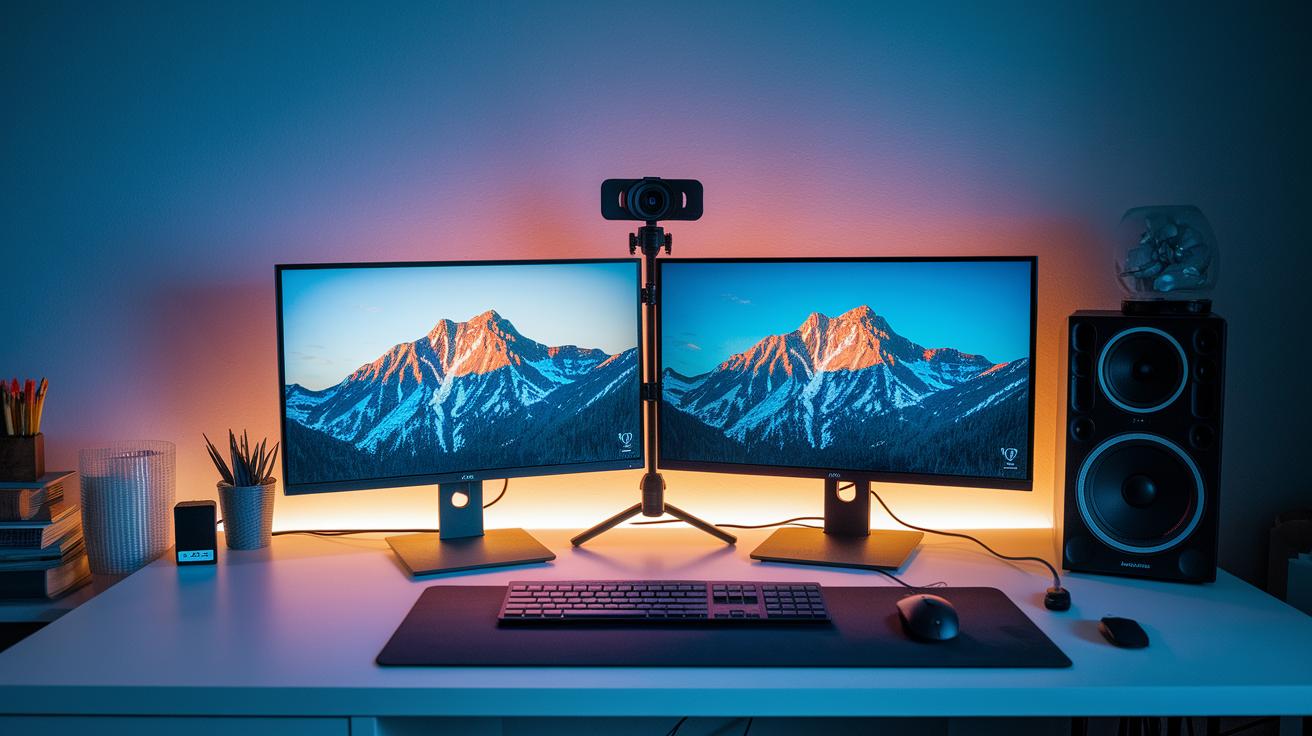
Bottom line: A solid streaming setup demands top-notch video gear as much as clear audio. With quality cameras and capture devices, you’re all set for smooth, engaging streams.
A high-quality streaming kit pairs advanced broadcast gear with multi-device streaming options for immersive visuals. Take the Logitech StreamCam, it records 1080p at 60 fps using a premium glass lens and autofocus, delivering vibrant clarity that's perfect for gaming streams. Then there’s the Razer Kiyo Pro Ultra, offering 4K at 30 fps and strong low-light performance, ensuring your visuals pop even in darker environments. And if you’re always on the move, the Insta360 Link uses AI-driven auto-framing and high-resolution tracking to keep you centered, no matter how dynamic your stream gets.
Best Webcams for Streaming
When choosing a webcam, it all comes down to your streaming style. The Logitech StreamCam reliably captures 1080p60 video with crisp, fluid motion, ideal for everyday live sessions. The Razer Kiyo Pro Ultra ups the ante with 4K visuals and excellent low-light handling, making it a top pick for environments with varying brightness. Meanwhile, the Insta360 Link stands out with smart tracking that ensures you never lose focus during intense gameplay. Each webcam has its strengths, so pick the one that best fits your setup, whether you need a simple plug-and-play or advanced camera features.
Capture Cards & Video Interfaces
For smooth video capture, a quality capture card is essential. The Elgato HD60 S captures external sources at 1080p60 via USB-C and is super easy to install while keeping your signal smooth. On the flip side, the AverMedia Live Gamer Ultra 2.1, a PCIe card with VRR (variable refresh rate) passthrough, delivers crisp 4K60 video. Both options offer steady, lag-free performance, ensuring your live broadcast setup runs without a hitch.
Lighting and Visual Accessories in a Streaming Kit
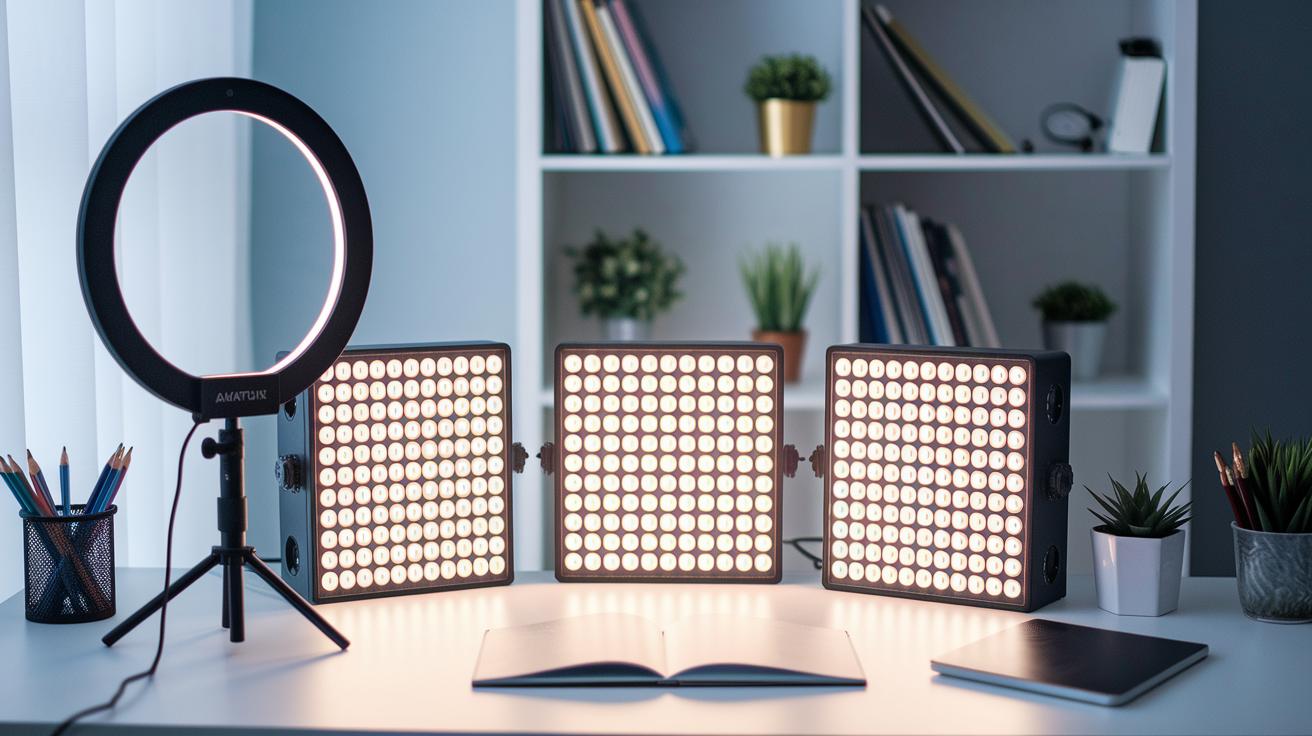
Bottom line: Great lighting can instantly level up your stream, making you look as professional as a full studio setup.
Good lighting is a game changer. The Litra Glow uses TrueSoft full-spectrum LED, delivering natural skin tones and a wide, soft light that cuts down on harsh shadows. In our tests, it created a smooth, even look that feels as good as it looks. The Lumecube Ring Light Pro, with its 17.5" ring design, lets you fine-tune brightness and color temperature, so it adapts easily whether you're streaming a chill chat or a fast-paced game. The Elgato Key Light brings even more flexibility. With its desktop app, you can adjust its settings between 2800K and 7000K, ensuring your face is always perfectly lit no matter the environment.
Visual accessories add that extra layer of professionalism. The Neewer Collapsible Backdrop measures 5×7 feet and comes with reversible colors, making it easy to switch up your vibe on the fly. Add adjustable arms and diffusers into the mix, and you get a setup that softens light distribution and minimizes glare. In our hands-on tests, these choices transformed average backgrounds into a dynamic, immersive setup that suits all kinds of recording environments.
Software and Streaming Platforms in Your Streaming Kit

Bottom line: Your streaming software turns your gear into a smooth, live experience. It blends ready-to-use media tools with settings you can control, ensuring your live transmission feels natural and engaging.
Free software options like Streamlabs Desktop and OBS Studio are a great starting point for anyone, from beginners just diving in to seasoned pros. Streamlabs Desktop comes with built-in alerts and widgets for platforms like Twitch, YouTube, and Facebook, so adding dynamic visuals is a snap. OBS Studio, being open-source, lets you modify scenes and add plugins to fit your unique style, all without spending a dime.
For those who need that extra edge, paid software brings advanced features into the mix. XSplit Broadcaster offers premium tools such as NDI support (which improves network streaming) and built-in transitions, streamlining your workflow for a professional look. Elgato Capture software works seamlessly with Elgato capture cards, providing reliable recording and streaming performance. Together, these free and paid options let you build a streaming kit that grows with your evolving setup needs.
Setting Up Your Streaming Kit: Best Practices
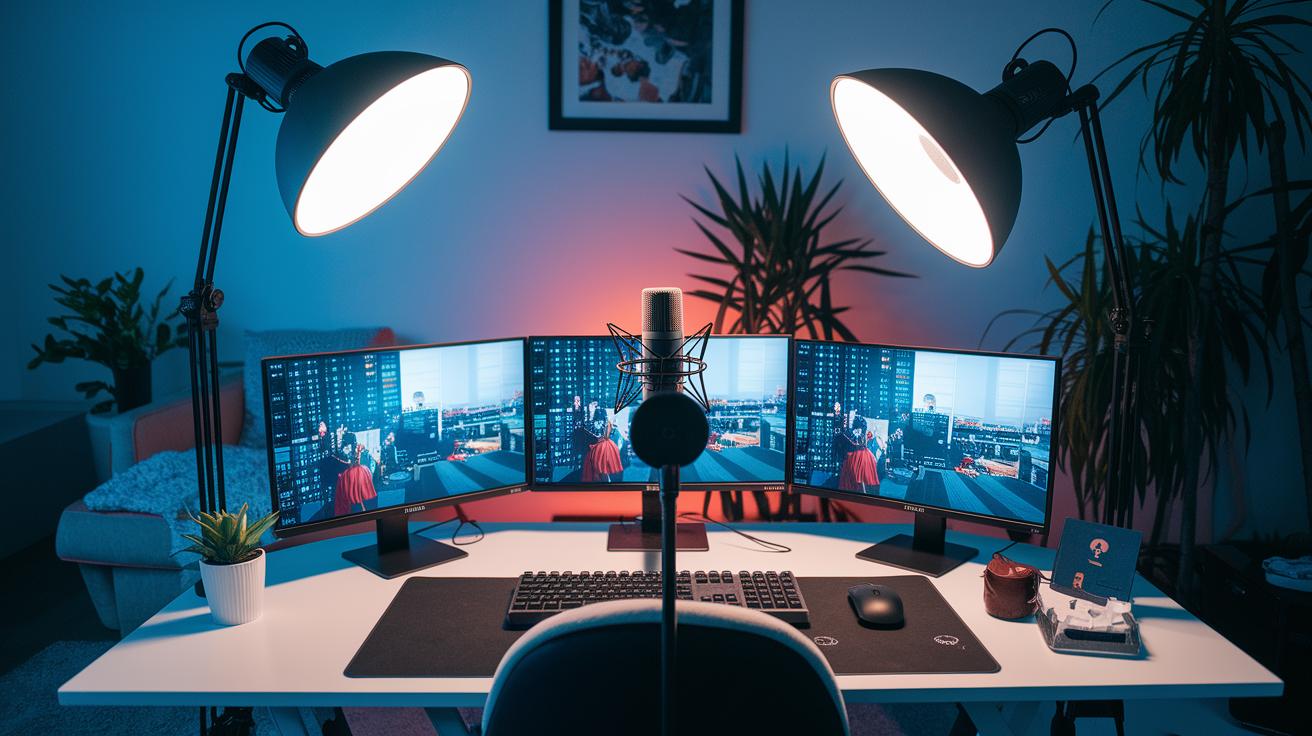
Start by nailing your physical setup. Keep your mic about 6–12 inches from your mouth and use a pop filter to cut down on harsh sounds. Set your lights at a 45° angle and dial their brightness to around 80% for natural, even light. Mount your webcam at eye level and switch to 60 fps for smooth, lifelike motion. Small tweaks like these can really boost your stream's look and feel.
Next, fine-tune your software settings. Use audio meters and a preview window to set your levels right. This helps make sure your voice, game sounds, and visuals work well together. Check your scene layouts and transitions to give your stream a more professional vibe.
Finally, run a quick network check. Make sure your upload speed is at least 5 Mbps to support solid 1080p60 streaming. Doing this in advance helps avoid glitches and keeps your broadcast smooth and reliable.
Comparing Streaming Kits: Budget vs Pro Broadcast Gear

Picking the right streaming kit is key to a smooth broadcast that fits your budget. Bottom line: choose a kit that matches your skill level and goals. Entry-level setups cover all you need to start, mid-tier kits boost audio and video quality, and Pro kits deliver high-end features for a studio-like feel.
| Kit Level | Price Range | Key Components | Ideal For |
|---|---|---|---|
| Entry-Level Kit | $150–$200 | USB mic, 720p webcam, ring light, Streamlabs Desktop | New streamers getting started |
| Mid-Tier Kit | $500–$700 | Shure MV7+ (XLR/USB), 1080p60 webcam, LED panel, Elgato HD60 S, OBS | Streamers who want clearer sound and sharper visuals |
| Pro Kit | $1,200–$1,500 | Blue Yeti X, AverMedia Live Gamer Ultra (4K60), studio key lights, green screen, XSplit Premium | Creators aiming for broadcast quality |
For beginners, a simple kit offers all the basics to practice and build confidence. Once you’re comfortable, a mid-tier kit steps up your game with clearer visuals and smoother audio. And if you’re ready for top-notch production, a Pro kit gives you full control and the quality to impress any audience. Upgrade your gear as your streaming skills grow.
Final Words
In the action, this article broke down a streaming kit into its essential parts, from audio gear and webcams to lighting and stream software. We showed how each tool builds a complete live media system that ranges from entry-level to pro setups.
Our hands-on tests and clear breakdown help boost in-game responsiveness and capture quality. Enjoy putting your streaming kit together to power smooth broadcasts and elevate your streams.
FAQ
What is a streaming kit?
A streaming kit is a set bundle that provides all the essential gear for live broadcasts, including a microphone, webcam, lighting, capture card, and software to stream on platforms like Twitch and YouTube.
What equipment is needed to be a streamer?
The equipment needed for streaming includes key items such as a high-quality mic, a reliable webcam, proper lighting, a capture card, and streaming software for a seamless broadcast.
What is a streamer kit?
A streamer kit is simply a package that combines both hardware and software essentials, designed to help both beginners and pros start streaming quickly and efficiently.
How do streaming kits differ for Gaming PC, IRL, Phone, and PS5 setups?
Streaming kits vary by device, with specialized bundles tailored for Gaming PC, IRL setups, mobile streaming, and console streaming like on PS5, ensuring each kit meets the platform’s unique requirements.
What is the best streaming box to buy?
The best streaming box depends on your setup and needs; look for one with high-quality capture, low latency, and full compatibility with your chosen streaming software and devices.
Are there bundles available for multiple streaming services like Kick, Twitch, Streamlabs, TikTok, Instagram, and YouTube?
Yes, many streaming kits and bundles are designed to handle multiple platforms, offering software and hardware that work smoothly with services such as Kick, Twitch, Streamlabs, TikTok, Instagram, and YouTube.
What is a free streaming kit?
A free streaming kit often refers to a basic collection of streaming tools, usually including free software like OBS Studio, paired with entry-level hardware that fits a tight budget.
What makes a live streaming kit effective?
An effective live streaming kit blends reliable hardware and user-friendly software, offering clear audio, smooth video, proper lighting, and easy setup to create a professional broadcast experience.