

Bottom line: Buying used PC parts can save you serious cash while delivering solid performance.
If you’ve ever hesitated to pick up preowned components, it’s time to rethink. We tested a range of key parts, from graphics cards to power supplies, and found that when sourced from trusted platforms, they perform reliably. These parts have hidden potential that can boost your build without emptying your wallet.
Here’s what to know:
• Look for reputable sellers with good reviews.
• Check each component’s condition before buying to avoid surprises.
• Trust in real-world tests that prove preowned gear can hold its own.
In short, a smart upgrade doesn’t always mean spending more. With a careful eye and our proven tips, you can score high-quality parts that deliver the performance you need, without the risk.
Where to Find Preowned PC Components Online

Bottom line: Stick to well-known platforms to lower fraud risk and enjoy clear return policies and secure payments.
Using trusted sites means you get secure packaging, solid return rules, and even trade-in deals that guard your cash. These sites accept multiple currencies like USD, EUR, GBP, and CAD, so you know you’re protected when buying preowned PC parts.
We tested a few channels, and here’s what we found:
-
Global e-commerce sites
Pro: Loads of payment options make it safe.
Con: Seller fees might bump up the cost. -
Specialty refurbishers
Pro: Often include trade-in credits and detailed refurb work for extra peace of mind.
Con: Shipping can take longer because processing is centralized. -
Auction marketplaces
Pro: You often score competitive prices and sometimes get a return window.
Con: Shipping times can vary, and last-minute bids might drive the price up. -
Forum-based exchanges
Pro: Community reviews help cut down on scams.
Con: Seller reliability can be hit or miss, and dispute resolution is less formal. -
Local classifieds
Pro: Quick local pick-up cuts out shipping fees and currency hassles.
Con: They usually offer limited return policies and less buyer protection.
Before you buy, compare prices and reviews on at least two platforms. This way, you ensure you’re getting the best deal and that the component meets your performance needs.
Assessing the Condition of Used PC Components
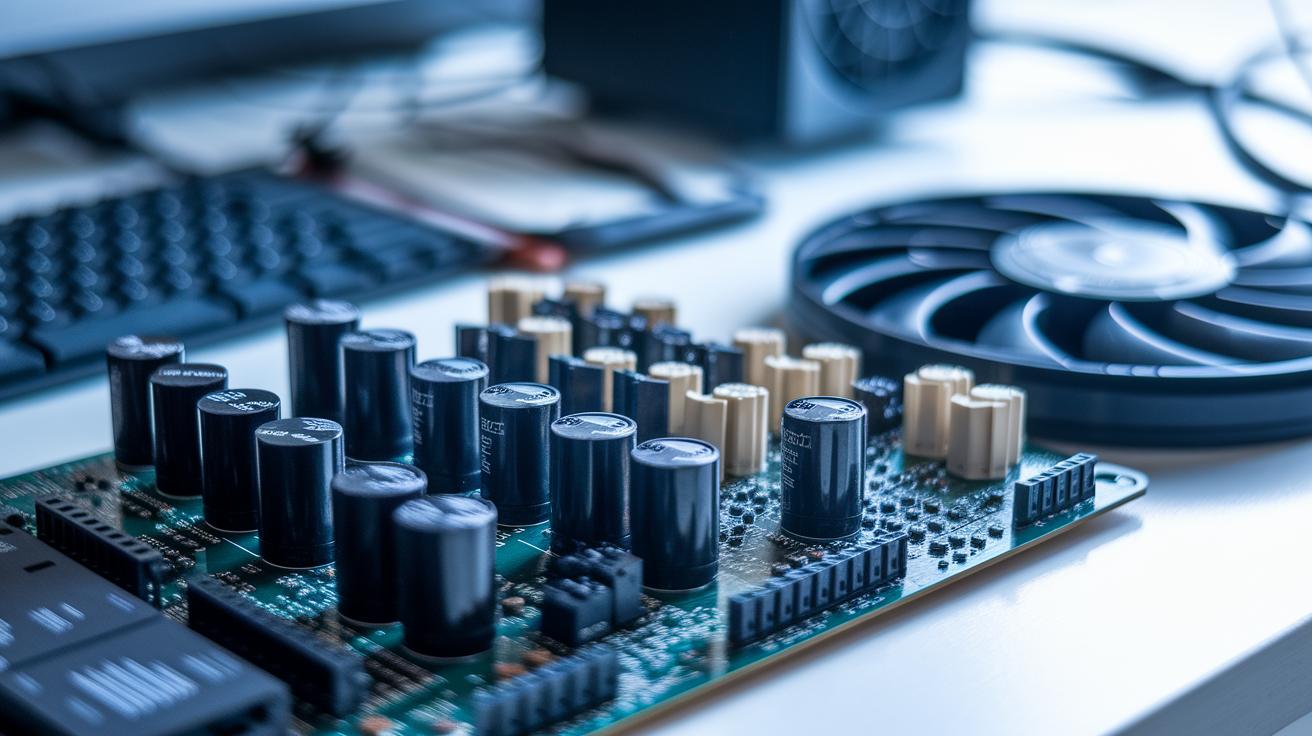
Begin by giving each part a close look. Check metal and plastic for scratches, inspect motherboards for swollen capacitors or broken solder joints, and examine fan blades for wear that signals heavy use. For keyboards and mice, ask for clear, high-resolution photos to confirm their condition. This first visual check helps you catch issues before they impact performance and ensures you buy only from trusted, certified sellers.
When your part arrives, test it immediately. Install it in your system and watch for any odd startup behavior or error messages. Run diagnostic tools like SMART (Self-Monitoring, Analysis and Reporting Technology) data scans on storage drives to spot reallocated sectors or high power-on hours. For SSDs, use health utilities to spot any firmware glitches. These tests can reveal hidden problems that a visual check might miss.
And if the component falls short, use the return window provided by the platform. Rely on money-back guarantees to protect your investment if the part doesn't meet your expectations.
Buying Used PC CPUs and Motherboards with Confidence
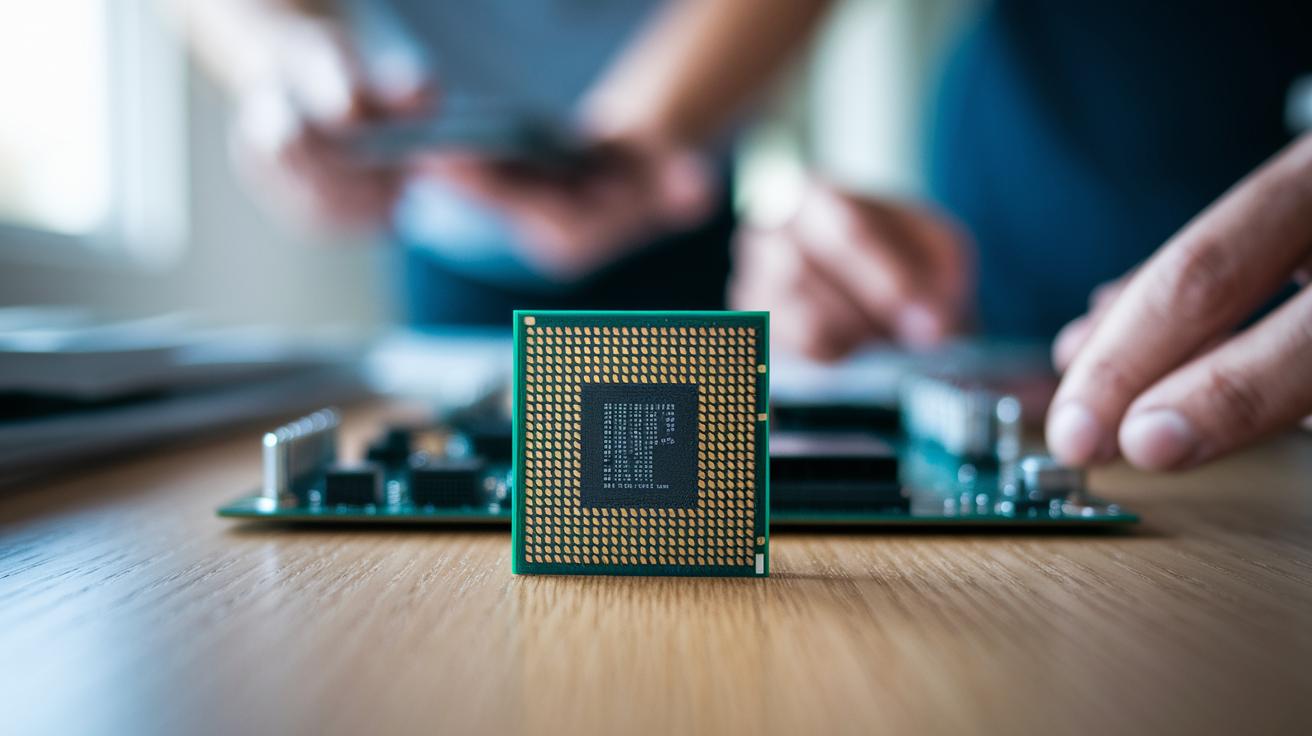
Used PC parts can save you money, but they come with risks you need to check. When buying older, high-end CPUs or legacy motherboards, you're balancing cost savings against potential issues like mismatched sockets or hidden damage.
Used CPU Purchases
Start by confirming your used CPU matches your motherboard’s socket. For example, if you see LGA1151 or AM4, make sure your board supports that type. Also, check that your BIOS is updated to support the CPU’s generation. Look at the manufacturing date or batch code to see how much use it has had. Clear images showing the batch code can really boost your trust in the CPU’s history. And always ask if the seller ran any stress tests, it’s a quick way to ensure the CPU can handle intense gaming without hiccups.
Used Motherboard Purchases
Your motherboard is the heart of your build, so a small defect can take down the whole system. Look over the board carefully. Check key features like VRM heatsinks and available PCIe lanes. Look for physical signs of damage such as bent pins, overheating marks, or swollen components. A good tip is to ask for a POST video or screenshot from the seller to prove the board starts up reliably. Also, inspect the solder points on critical connectors, any flaw there can lead to unpredictable system failures.
Before you make a purchase, double-check the model number with the manufacturer’s specifications and ask for proof of recent testing. This simple extra step gives you the confidence that the part will power your build without any surprises.
Key Checks for Second-hand PC Memory and Storage Components
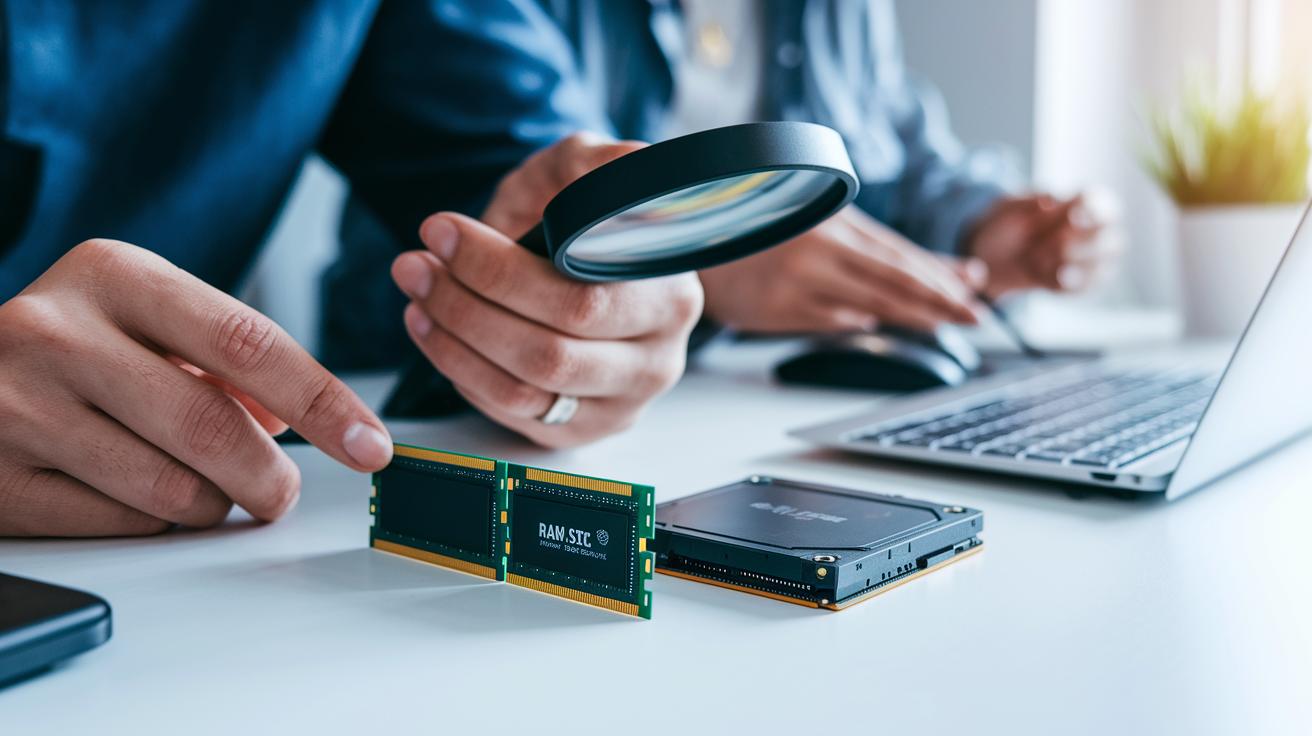
Bottom line: When buying used memory and storage, knowing what to check can mean the difference between a smooth build and unexpected headaches.
Used RAM is usually low-risk if it matches your motherboard’s generation, speed, and voltage. But storage devices need extra caution. Hard disk drives, especially those over three years old, can show signs of wear from heavy use. Solid-state drives, though free of moving parts, might run into firmware problems if updates aren’t applied. That’s why thorough testing is key to ensuring your components meet the performance and reliability you expect.
Before you buy, make sure you:
- Confirm the exact RAM generation, speed, and voltage.
- Run MemTest86 on each RAM module.
- Check HDD SMART metrics (look at reallocated sectors and power-on hours).
- Verify the drive’s manufacture date and model.
- Update SSD firmware and run health check utilities.
- Ensure the interface type (SATA or NVMe) matches your motherboard.
Take your time with each test. This no-rush approach helps guarantee that every part is ready for your system before you seal the deal.
Evaluating Discounted PC GPUs and Power Supply Components

Used GPUs need to prove they can handle real gaming needs. Ask for operating temperature screenshots when the card is running a tough game mode. You want to see thermal imaging that shows the cooling system working well, no signs of dried-out thermal paste or worn fans from heavy crypto mining. Videos or images showing the fan bearings at work can give extra peace of mind that the card is ready for long gaming sessions.
When checking used power supplies, be extra cautious. Aging electrolytic capacitors and unstable rails can lead to fire hazards or even data loss. Ask for a load tester report or check for a current certification sticker. Inspect the date codes on the capacitors; newer parts are often more reliable. If the PSU lacks solid documentation and recent test results, it might seem like a bargain but could endanger your build.
| Component | Key Risk Factors | Recommended Checks |
|---|---|---|
| Graphics Card | Crypto mining wear, high temperatures | Thermal imaging, fan spin test |
| Power Supply | Capacitor aging, unstable rails | Load tester report, certification sticker |
Skip power supplies with less than a two-year warranty and focus your savings on GPUs that come with strong, test-backed proof of performance.
Ensuring Compatibility of Preloved PC Components

When you build a PC using used parts, every detail matters. The bottom line is that checking compatibility means saving money without sacrificing smooth performance. In my experience, even one mismatched spec can cause unstable performance or worse.
Here’s a simple checklist to guide your DIY upgrade:
- Double-check that the CPU socket and chipset on your motherboard match your processor.
- Make sure your RAM’s generation, speed, and max capacity line up with your BIOS requirements.
- Verify the GPU’s slot spacing, power-pin needs, and size fit your case perfectly.
- Confirm that your power supply has enough wattage and the right connectors (like PCIe, ATX, and SATA) for all your components.
- Measure case clearance and update the motherboard BIOS if necessary to support newer parts.
Before finalizing any purchase, cross-reference your build’s needs with the specs of each component. Taking the time to double-check can help ensure your custom build runs reliably with all your preloved parts.
Strategies for Securing Affordable Preowned PC Components

When hunting for used PC parts, clever currency tricks and smart auction timing are your best allies. Checking prices in different currencies lets you spot deals that may not show up locally. Bidding during quiet auction hours can also score you a bargain. Mix in flash sales and special promos, and you could see your spending drop noticeably. Signing up for deal alerts on sites like pc gaming deals means you’ll get a heads-up when prices slip or flash sales start.
- Set price alerts on eBay and from top refurbishers.
- Check out local pick-up options to dodge shipping fees.
- Use vendor trade-in credits to lower your purchase cost.
- Keep an eye out for weekend flash sales and holiday discount codes.
- Negotiate for bulk deals or bundles to grab volume discounts.
Remember, grabbing a low price is great, but always pair that with a solid seller rating and a clear return policy. This way, you save money without risking quality or buyer protection.
Trusted Vendors and Certified Used PC Components

When you shop for used PC parts, go for vendors that offer clear warranties and reconditioning certificates. These trusted sellers back every component by proving it’s been thoroughly serviced, tested, and certified for reliable use. High user ratings mean past buyers are happy with the performance and quality.
Choosing a store that specializes in refurbished electronics cuts down the risk of getting a subpar product. Good vendors are upfront about their process – many share proof of rigorous testing before they ship any module.
Return policies and secure packaging are key to protecting your build. Reputable vendors often guarantee satisfaction, letting you return items for free if they arrive damaged or don’t match the description. They also use careful packaging with anti-static wraps and reinforced boxes to reduce shipping damage. Tip: Check certification holograms or seal numbers and read several user reviews before making your final choice.
Final Words
In the action, we mapped out top spots for buying preowned PC components online and laid out clear ways to assess their condition. We covered easy checks for CPUs, motherboards, memory, GPUs, and power supplies to cut down risk and boost performance.
We broke things down into simple steps and handy tips to save money without sacrificing quality. This guide gives you clear, practical advice to build a strong, reliable gaming setup and win with your pc components. Enjoy leveling up your gear!
FAQ
Where can I find used PC components near me?
Finding used PC components near you means checking local classifieds and community boards where sellers list items for sale. This approach helps you avoid shipping fees and allows for hands-on inspection before purchase.
How do I buy used PC components online, including listings from Europe and eBay?
Buying used PC components online involves using major e-commerce platforms and specialty refurbishers that support global currencies. These sites offer return policies and trade programs, ensuring smarter purchases for various budgets and regions.
What does a used PC parts calculator do?
A used PC parts calculator estimates fair pricing by analyzing a component’s age, condition, and market trends. It provides a quick benchmark to help you make budget-savvy buying decisions without overspending.
Where can I find advice on used PC parts through Reddit?
Reddit is a hub for tech communities that share insights on used PC parts. Members offer price comparisons, seller reviews, and buying tips, making it a valuable resource for informed, community-backed purchasing decisions.