
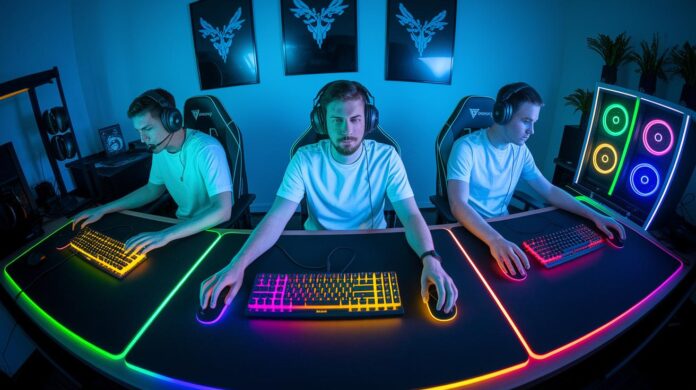
Ever wondered why top players always win? It might be their gear giving them the edge. Upgrading to a high-quality keyboard, mouse, headset, controller, or even a speedy storage device can smooth out your gameplay and tighten your reaction times.
Bottom line: Small gear upgrades can lead to big wins. We tested five top gaming peripherals so you can find the right fit for your style. Whether you’re into competitive FPS or casual play, our hands-on comparisons show which devices deliver measurable improvements.
Ready to power up your game? Let’s dive in and see which tech might just be your secret weapon.
Best Gaming Peripherals Picks for Every Setup
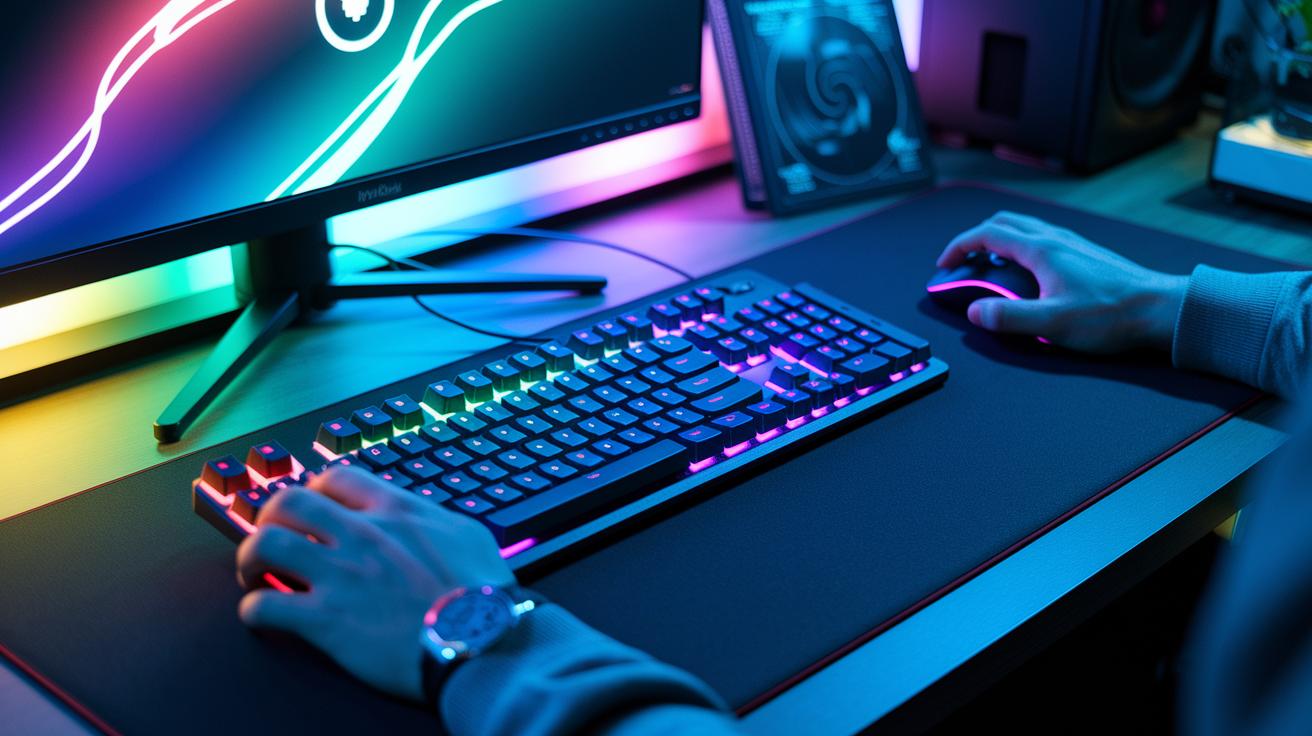
Gaming peripherals are the tools that give your gaming skills a boost and let you express your style. They cover everything from devices that hit your commands with pinpoint accuracy to audio gear that pulls you into the game. Whether you're on PC or console, choosing the right setup helps smooth out your gameplay and makes every session more fun.
- Keyboards – Built for speed with tactile mechanical keys, customizable RGB lights, and a responsive feel. Perfect for serious gamers and those who love to tweak their setup.
- Mice – Light, accurate, and fast. These devices track every move with precision, thanks to top-notch polling rates (how quickly your action is registered), making them ideal for intense action.
- Headsets – Deliver immersive sound that lets you catch every in-game cue. Paired with pro-level mics and a comfy design, they’re built for long gaming marathons.
- Controllers – Designed with ergonomics in mind, these controllers feature remappable buttons and sturdy wireless links. They work great for competitive play, casual sessions, or VR adventures.
- Storage – Speedy load times and ample capacity keep your game files ready to roll. They handle high-demand moments smoothly, ensuring you’re always in the action.
These essentials make up a solid gaming lineup. Keyboards and mice give you the precision needed to win, while headsets ensure you never miss a critical sound cue. Controllers add a layer of flexibility across platforms, and reliable storage keeps lag at bay when the action heats up. Together, these five peripherals boost performance, responsiveness, and overall comfort, making them must-haves for any gamer's setup.
Mechanical Keyboards: A Comparison of Top Gaming Peripherals
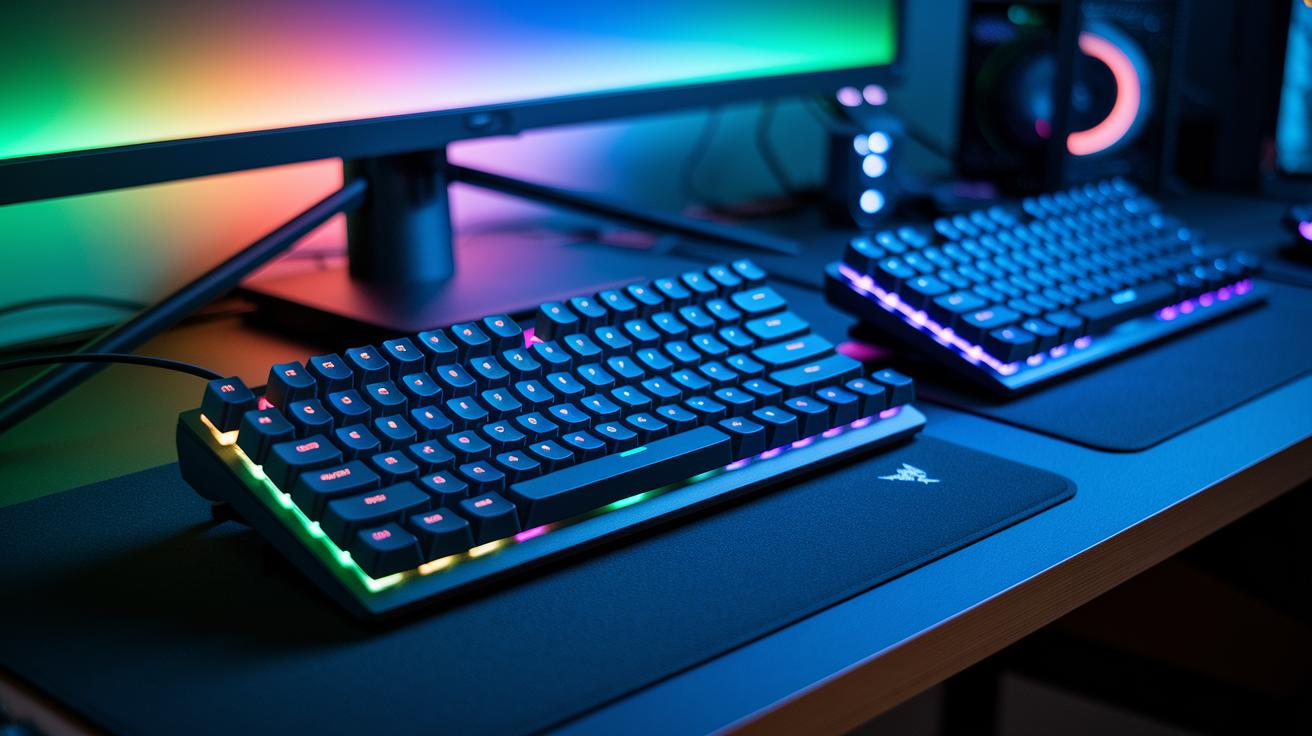
These three keyboards set a high standard for gamers who demand precision and personal setup. After testing, it's clear each model offers a unique mix of switch tech, connectivity, and features to suit different play styles.
The SteelSeries Apex Pro Gen 3 uses OmniPoint 3.0 Hall Effect switches (magnetic sensors that detect key actuation) for adjustable actuation, plus you can choose from full-size wired, TKL, or wireless TKL layouts. The Corsair K65 Plus comes with hot-swappable mechanical switches, letting you easily switch keys while keeping a sleek, wireless design with customizable RGB. Meanwhile, the Razer BlackWidow V3 Pro delivers dual connectivity (wired and wireless), a durable build with programmable keys, and dynamic RGB lighting that stands out.
| Model | Switch Type | Connectivity | Key Features |
|---|---|---|---|
| SteelSeries Apex Pro Gen 3 | OmniPoint 3.0 Hall Effect | Full-size wired, TKL, wireless TKL | Adjustable actuation, OLED panel, robust design |
| Corsair K65 Plus | Hot-swappable mechanical | Wireless | Mod-friendly build, sleek design, customizable RGB |
| Razer BlackWidow V3 Pro | Razer Green | Dual mode: Wired & Wireless | Durable, programmable keys, dynamic RGB lighting |
-
SteelSeries Apex Pro Gen 3
• Pros: Offers highly customizable actuation and flexible layout choices.
• Cons: The premium price might not hit home for casual gamers. -
Corsair K65 Plus
• Pros: Features easy key swapping and reliable wireless connectivity.
• Cons: Tactile feedback is less pronounced compared to Hall Effect switches. -
Razer BlackWidow V3 Pro
• Pros: Boasts versatile connectivity options and eye-catching RGB effects.
• Cons: The clicking noise from its buttons can be distracting in quiet settings.
High-Precision Mouse Reviews within Gaming Peripherals
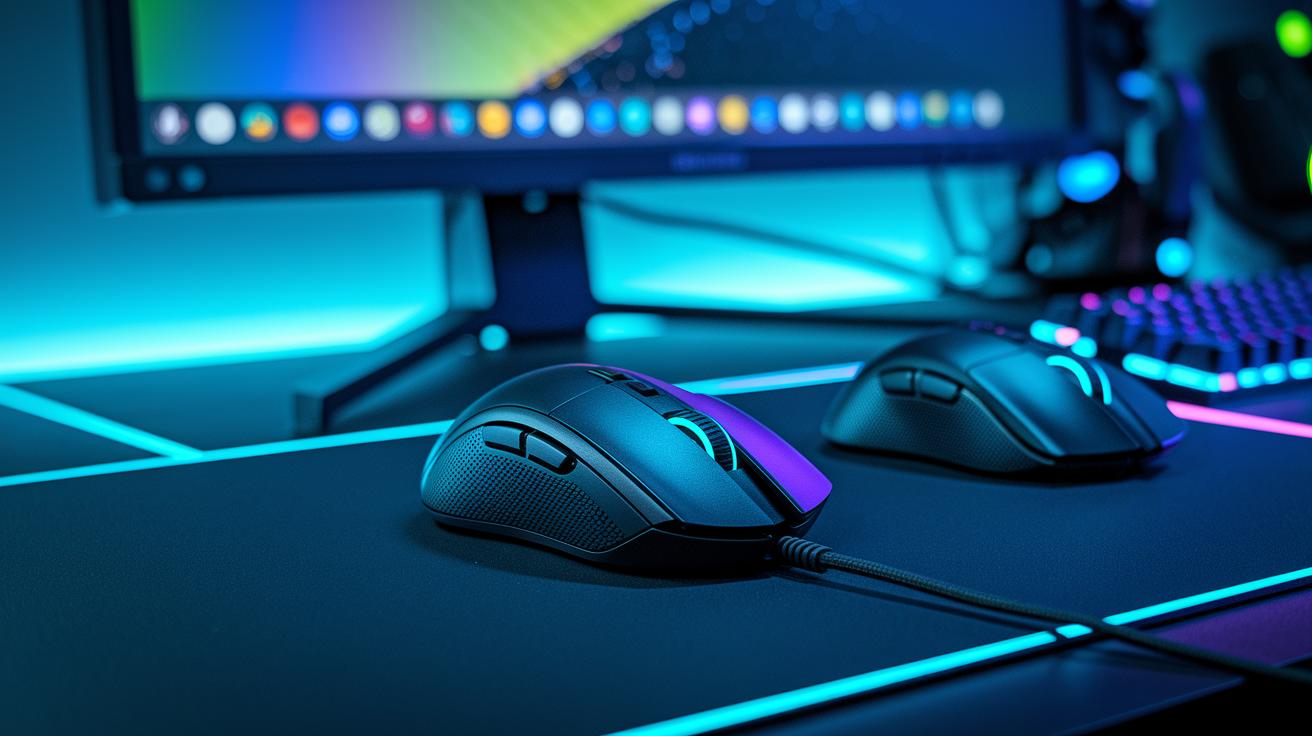
Bottom line: If you need a competitive mouse that combines speed with precision, these three options are hard to beat.
Razer DeathAdder V3 HyperSpeed is our top pick for gamers who want esports-level performance without spending a fortune. It delivers sharp tracking and fast response so every click feels spot on. The Razer DeathAdder V3 Hyperspeed also impresses with a lightweight build and reliable tracking, making it a strong runner-up. Meanwhile, the Logitech G PRO X Superlight 2 DEX pushes limits with an updated design and breakthrough tracking technology for those who demand the very best, even if it comes at a higher price.
| Model | Weight | Sensor DPI | Polling Rate | Price |
|---|---|---|---|---|
| Razer DeathAdder V3 HyperSpeed | 90g | 20000 | 1000 Hz | $70 |
| Logitech G PRO X Superlight 2 DEX | 63g | 25000 | 1000 Hz | $150 |
| Razer DeathAdder V3 Hyperspeed | 85g | 20000 | 1000 Hz | $80 |
Who it's for:
- Gamers on a budget who still want professional-grade performance.
- Competitive players who need fast and precise mouse tracking.
- Streamers or esports enthusiasts willing to invest in top-tier tech for the edge.
Key points:
- Razer DeathAdder V3 HyperSpeed combines quality and cost-effectiveness for serious play.
- Razer DeathAdder V3 Hyperspeed is a close second, offering steady tracking and a strong build.
- Logitech G PRO X Superlight 2 DEX is premium in price but packs cutting-edge features for those who demand perfection.
Each option has been tested to ensure you get clear benefits. Whether you look for value or top performance, these mice offer reliable response and precise control to boost your gameplay.
Immersive Audio Headsets as Essential Gaming Peripherals
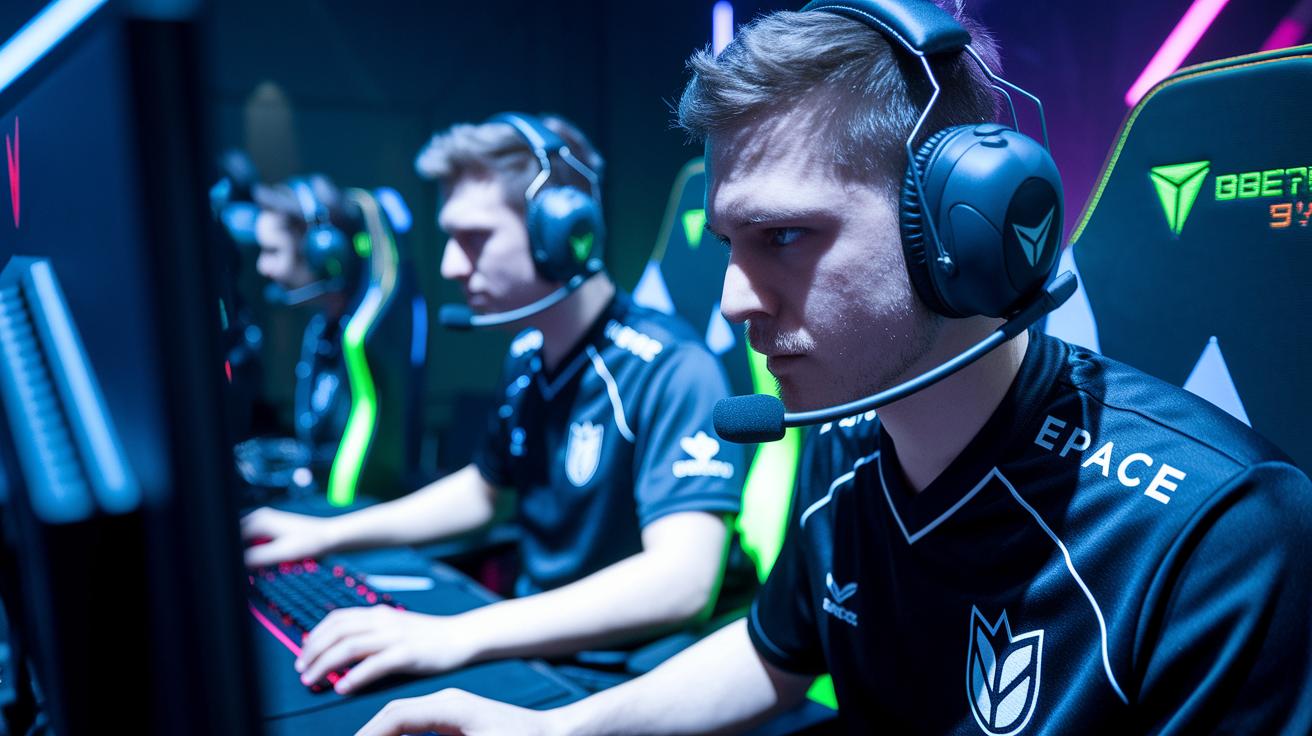
SteelSeries Arctis Nova Pro Wireless
- Its hybrid active noise canceling tech drowns out distractions, delivering epic in-game audio.
- Multi-device connectivity means you can jump from PC to console without missing a beat.
- A hot-swappable battery ensures you never sit out; just swap and keep playing.
• Pros: Crisp sound that brings every detail to life and a build that can handle your marathon sessions.
• Cons: The premium price might not suit every wallet.
Turtle Beach Atlas Air
- The floating earcup design reduces pressure, keeping long sessions comfortable for any gamer.
- An open-back design offers a natural, spacious sound stage that immerses you in every game.
- Enhanced padding and balanced tuning provide audio that pulls you straight into the action.
• Pros: Deep, dimensional sound that makes every game moment feel real.
• Cons: The open design can let some background noise creep in.
Creative Sound Blaster GS3
- Designed to fit under most monitors, its compact build saves space without cutting corners.
- Stylish RGB lighting ticks all the boxes for a gamer’s visual vibe.
- It delivers strong volume and punchy bass that keep your desktop gaming experience lively.
• Pros: A budget-friendly option that works great in tight setups.
• Cons: It doesn’t offer the refined audio details found in higher-end headsets.
Bottom line: Whether you’re a competitive player or a casual gamer, there’s something here for you. Go for the SteelSeries Arctis Nova Pro Wireless if you want cutting-edge performance and don’t mind the extra cost. Choose the Turtle Beach Atlas Air for comfort and natural sound during long sessions. And if you’re watching your budget yet still crave style and volume, the Creative Sound Blaster GS3 is a solid pick.
Wireless Controllers and Gamepads in Best Gaming Peripherals
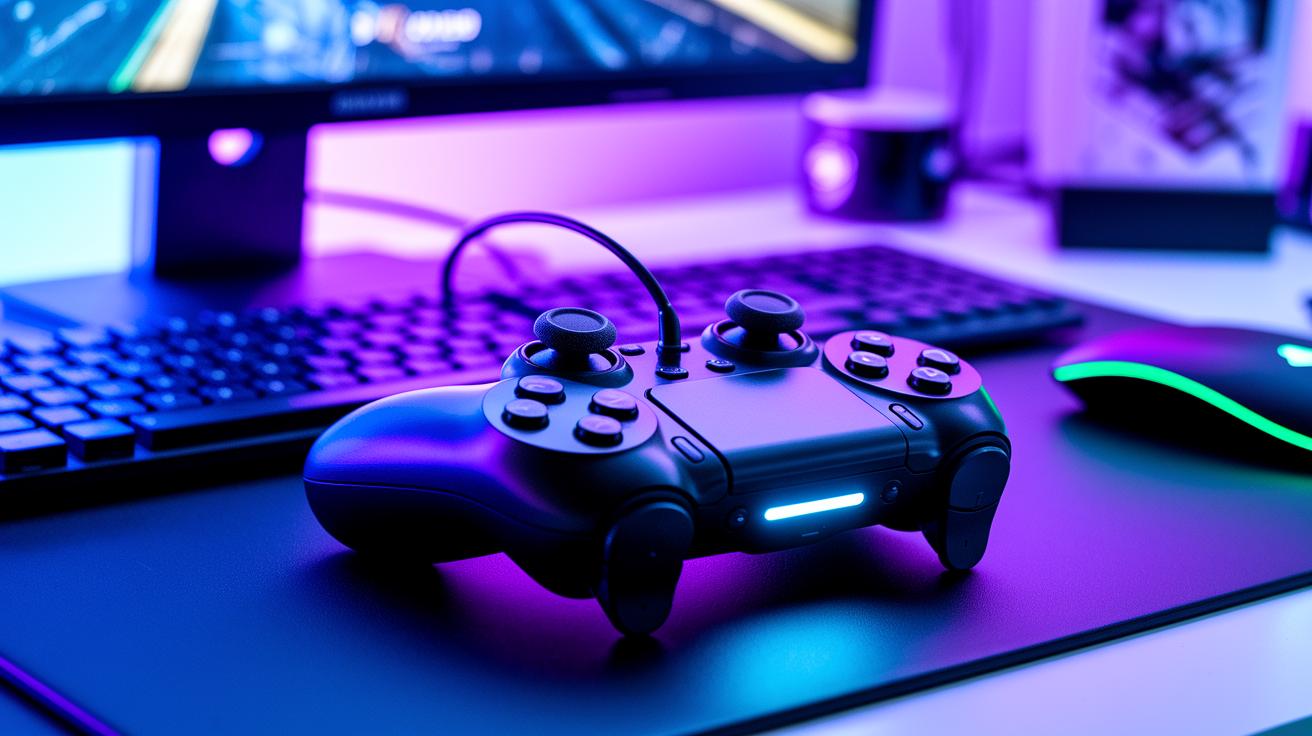
Gaming today isn’t just about skill; it’s about having the right gear. Wireless controllers offer smooth, precise control that can elevate your gaming experience. They blend a comfy design with top-notch connectivity and smart features that fit every play style. Whether you’re in a heated competitive match, exploring immersive worlds, or switching devices on the fly, a solid controller can make a real difference.
-
Razer Wolverine V3 Pro Wireless Controller
This controller offers pro-level responsiveness with six remappable buttons and a rugged design built for high-intensity play. Its wireless connection is solid and the battery lasts long, ensuring no lag during extended sessions. Perfect for esports pros who need lightning-fast, precise inputs when every millisecond counts. -
Xbox Core Controller
Designed for comfort, this controller features a tactile D-pad and remappable buttons. It works effortlessly across platforms, making control intuitive for both casual and competitive gameplay. Its versatile setup adapts to nearly any game, giving you a reliable edge. -
PS VR2 Sense Controller
Built for virtual reality, this controller uses adaptive triggers, haptic feedback, and built-in tracking to bring your VR experience to life. It captures subtle movements and translates them into immersive in-game actions. Ideal for gamers who want their VR adventures to feel natural and responsive.
Choosing the Best Gaming Peripherals: Criteria and Buyer’s Guide
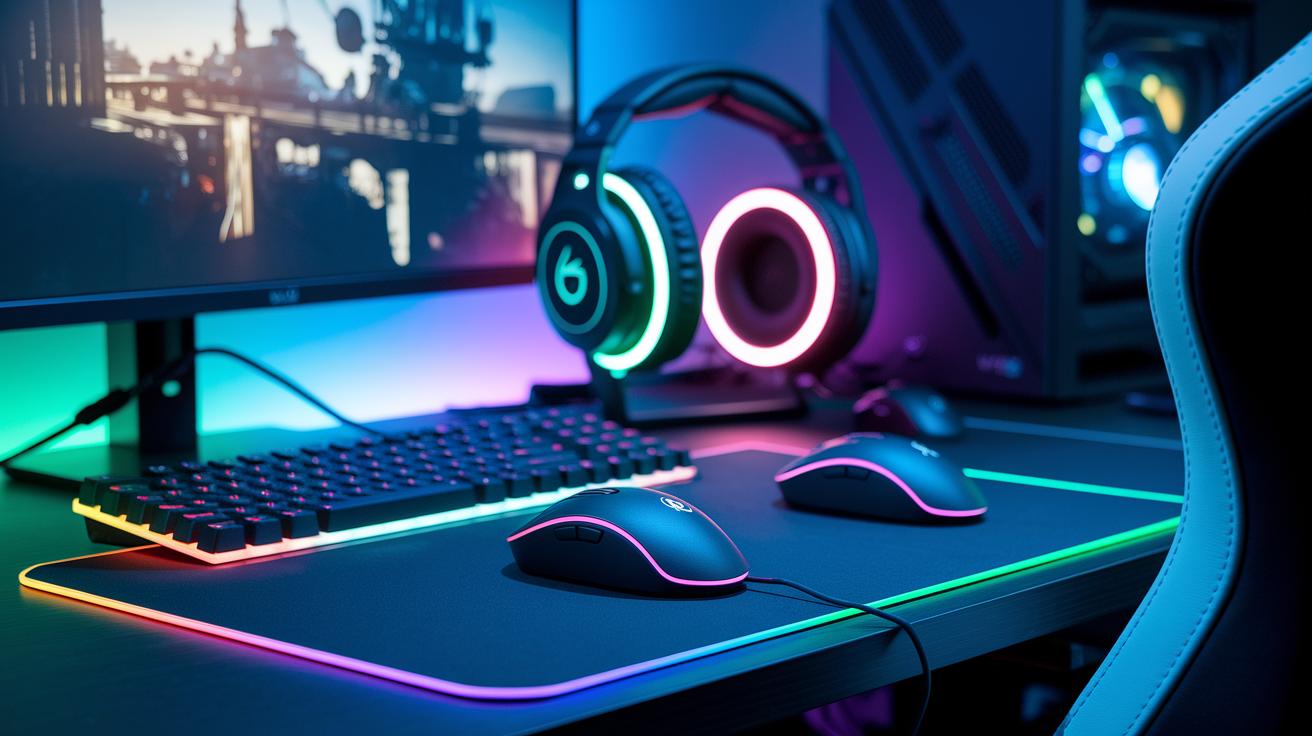
Your gaming gear can seriously boost your play and comfort. A quick, responsive mouse keeps you sharp in competitive battles, and a well-cushioned headset makes long story modes a breeze. Here’s a simple guide to help you choose gear that fits your style.
Start with performance. Look for devices with fast response times, high polling rates (the number of times a device checks for input per second), and smooth tracking. When every millisecond matters, these details can keep you ahead.
Next, check out ergonomics. Choose a mouse or headset that feels right in your hands and reduces fatigue during long sessions. Comfort can really change your game experience.
Connectivity is key too. Make sure your gear delivers stable, lag-free connections whether it’s wired or wireless. No one wants a disconnect in the middle of an epic moment.
Customization helps too. Look for peripherals that let you easily change settings like button mapping or key sensitivity. This way, you can tweak your setup to suit your playing style.
Don’t forget your budget. Weigh the cost against the features you need so you don’t overspend while still getting great value.
Finally, check compatibility. Make sure the devices work well with your PC build and overall gaming setup. That ensures everything runs smoothly together.
Plan your buys around major sale events like Prime Day in July or Black Friday in November. That’s when you can score the best deals without breaking the bank.
Final Words
In the action, we broke down top gear picks for every setup. We covered mechanical keyboards, high-precision mice, immersive headsets, wireless controllers, and smart selection tips. Each section offered quick tables, bullet lists, and hands-on insights that pinpoint performance, comfort, and value. These picks give you measurable benefits for smoother gameplay and crisp streaming. With clear guidelines and tested data, making smart choices is easier. Gear up with these best gaming peripherals for a boost in competitive play and streaming success.
FAQ
What do Reddit users say about the best gaming peripherals?
The term “best gaming peripherals reddit” highlights community opinions from gamers who actively test gear. Their insights focus on hands-on performance, durability, and value, making them a useful guide when choosing new peripherals.
What are the top gaming peripherals and accessories brands?
Asking about “best gaming peripherals brands” and “top 10 gaming accessories brands” points to trusted names known for quality and innovation. These brands are renowned for consistent performance and trusted by gamers across various setups.
Which gaming peripherals will define excellence in 2025?
The phrase “best gaming peripherals 2025” suggests upcoming models and improvements set to raise the standard. Anticipated releases will likely blend advanced tech with proven durability, aimed at elevating the competitive gaming experience.
What gaming accessories are ideal for PC and PS5 setups?
Inquiring about “best accessories for gaming setup,” “gaming accessories PC,” “best gaming accessories PS5,” and “gaming setup accessories list” means looking for a selection that covers keyboards, mice, headsets, controllers, and storage to suit both PC and console needs.