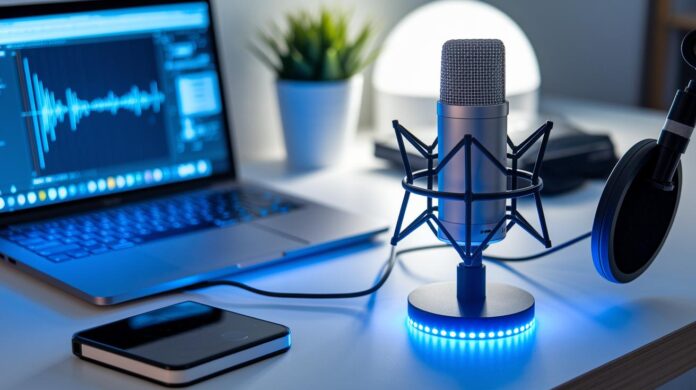
Have you ever noticed your stream's audio feels off while your gameplay remains sharp? A dedicated streaming microphone can transform your broadcast with clear, crisp sound. Picture chatting with your viewers and feeling like they're right in the room with you. In this guide, we highlight our top microphone picks that boost your content. We break down models with pure audio quality and easy setups so you can keep your audience locked in every time.
Best Streaming Microphones: Top Picks for Gamers and Creators

Getting your streaming setup right can hinge on a great mic. A quality streaming microphone makes your live content sound clear and professional. Whether you're streaming intense gameplay, hosting a live show, or just chatting with friends, having the right mic can set you apart. Below is a quick rundown that compares connection types, sample rates, and prices, so you know exactly what each model brings to the table.
| Model | Connection Type | Sample Rate | Price |
|---|---|---|---|
| Shure SM7dB | XLR | 48 kHz/24-bit | Premium |
| SteelSeries Alias / Alias Pro | XLR | 48 kHz/24-bit | Premium |
| Blue Yeti Nano | USB | 48 kHz/24-bit | <$100 |
| Shure MV6 | USB-C | 48 kHz/24-bit | $130 |
| Shure MV7+ | USB-C & XLR | 48 kHz/24-bit | Mid-Premium |
| RODE PodMic USB | USB-C & XLR | 48 kHz/24-bit | Budget-Mid |
| Rode NT-USB+ | USB-C | 48 kHz/24-bit | Mid-Premium |
| HyperX QuadCast 2 S | USB | 192 kHz/32-bit | Premium |
| Logitech Yeti Orb | USB | 70–20 kHz | ~$60 |
| Beyerdynamic FOX | USB | 96 kHz/24-bit | Mid-Range |
| Rode Wireless Go Gen 3 | Wireless | N/A | Mid-Range |
| Logitech Blue Sona | XLR | N/A | Premium |
Each mic has its own perks. The Shure SM7dB comes with a built-in preamp that can boost your signal up to +28 dB – great if you want a dynamic sound on the fly. The SteelSeries Alias series offers a full XLR solution that fits neatly into a complete setup. If you’re watching your budget, the Blue Yeti Nano and Logitech Yeti Orb deliver quality sound without a big spend. For streamers looking to grow, the Shure MV7+ gives you the flexibility to start with USB but switch to XLR later on. And if you love high sample rates and a touch of RGB style for those epic streaming sessions, the HyperX QuadCast 2 S is a solid choice.
Use this guide as a cheat sheet to quickly match your audio needs with the best gear for your stream.
Streaming Microphone Boosts Your Live Content
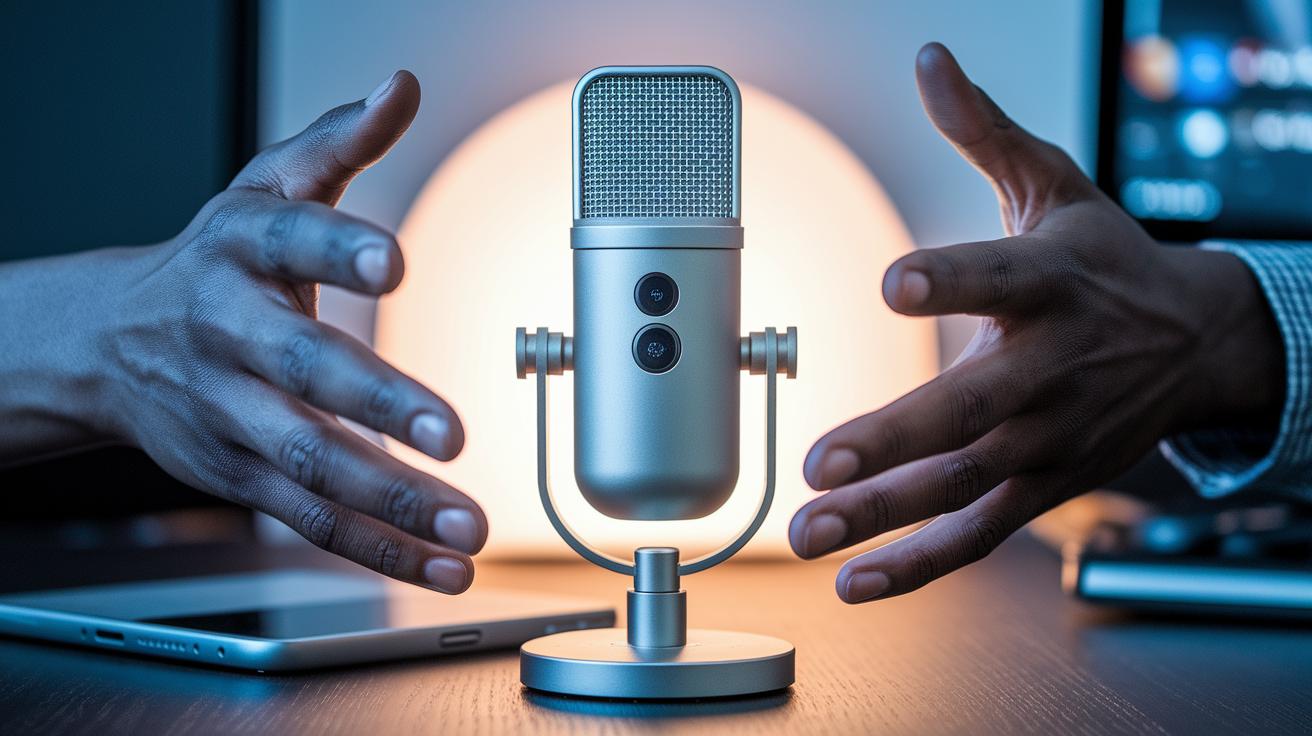
A streaming mic needs to be tough and reliable for long sessions. A steel body gives it a solid feel that lets you stream confidently, unlike cheaper plastic builds that might worry you about durability. It feels like a tank in your hand.
Getting great audio starts with the pickup pattern. A cardioid mic focuses on your voice and cuts out background noise, perfect for solo streams. If you're streaming with a group, an omni or multi-pattern option might work, though it can pick up more room sounds.
The sample rate and bit depth matter too. Most models record at 48 kHz/24-bit, which captures clear audio for live use. But if you want top-tier broadcast quality, look for mics that hit up to 192 kHz/32-bit.
On-mic controls make a big difference during a stream. Features like a mute button, a gain knob, and headphone volume control let you adjust your sound on the fly. Extra touches such as low-noise pre-amps, built-in pop filters, and accessories like a desktop stand or shock mount mean a smoother setup. And with a headphone jack for zero-latency monitoring, you know what your audience hears without any delay.
Comparing USB and XLR Streaming Microphones
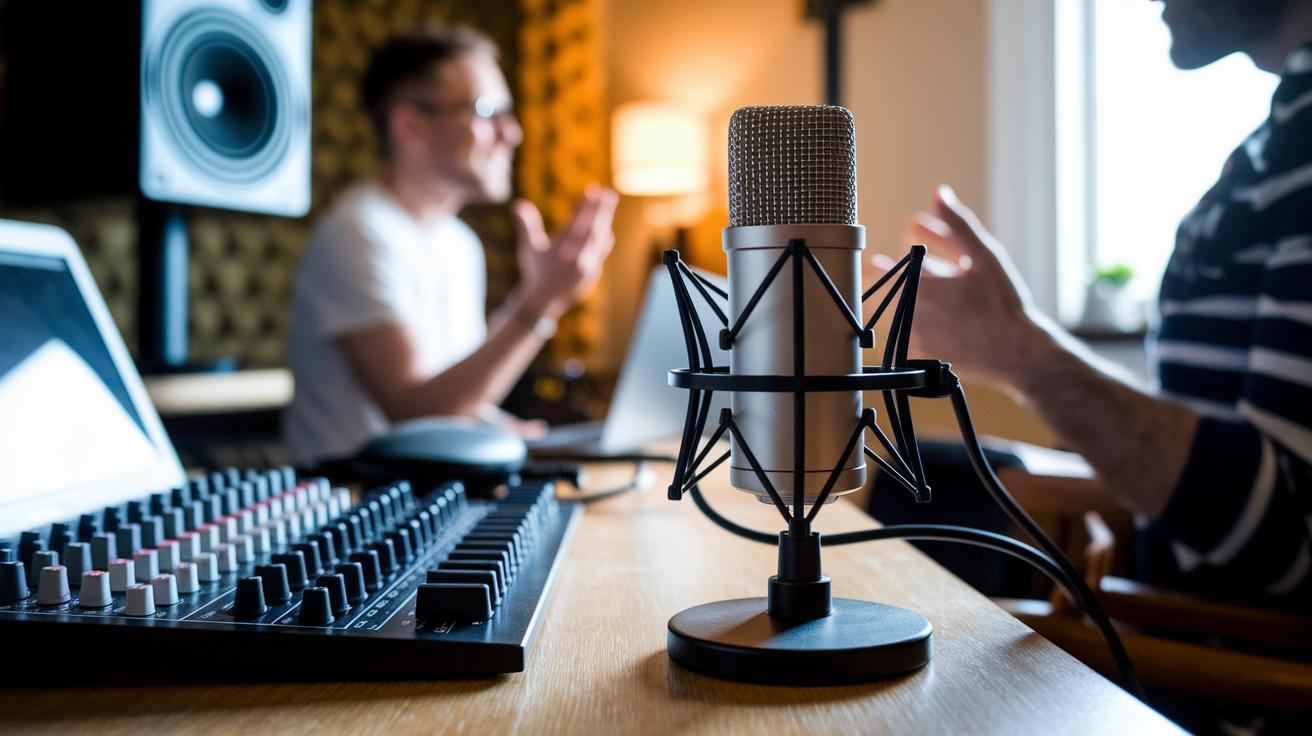
Bottom line: USB mics are plug-and-play, while XLR mics give you extra control if you plan on mixing multiple sound sources.
USB microphones are perfect when you need to jump into streaming fast. They work right out of the box. They have a built-in preamp and analog-to-digital converter (ADC), so you do not need extra gear. This simplicity makes them ideal for beginners or streamers who value a quick and hassle-free setup. For example, you can plug one in and start your OBS session immediately.
XLR mics need an external audio interface that supplies 48 V phantom power. Yes, the setup is a bit more involved, but it gives you more room for fine-tuning your sound. With an interface like the Focusrite Scarlett Solo (approximately $119) or the Behringer UMC202HD (around $89), you get higher fidelity and better control. This extra flexibility matters when you mix multiple microphones or want detailed control during a live show.
Tested with software like OBS, Nvidia Shadowplay, Cockos Reaper, and Audacity, USB mics shine with convenience. XLR mics, however, provide refined control that pros appreciate in advanced audio setups.
- USB mics: Best for quick, no-fuss setups
- XLR mics: Great for multi-mic rigs and detailed sound mixing
Budget-Friendly Streaming Microphones for Beginners
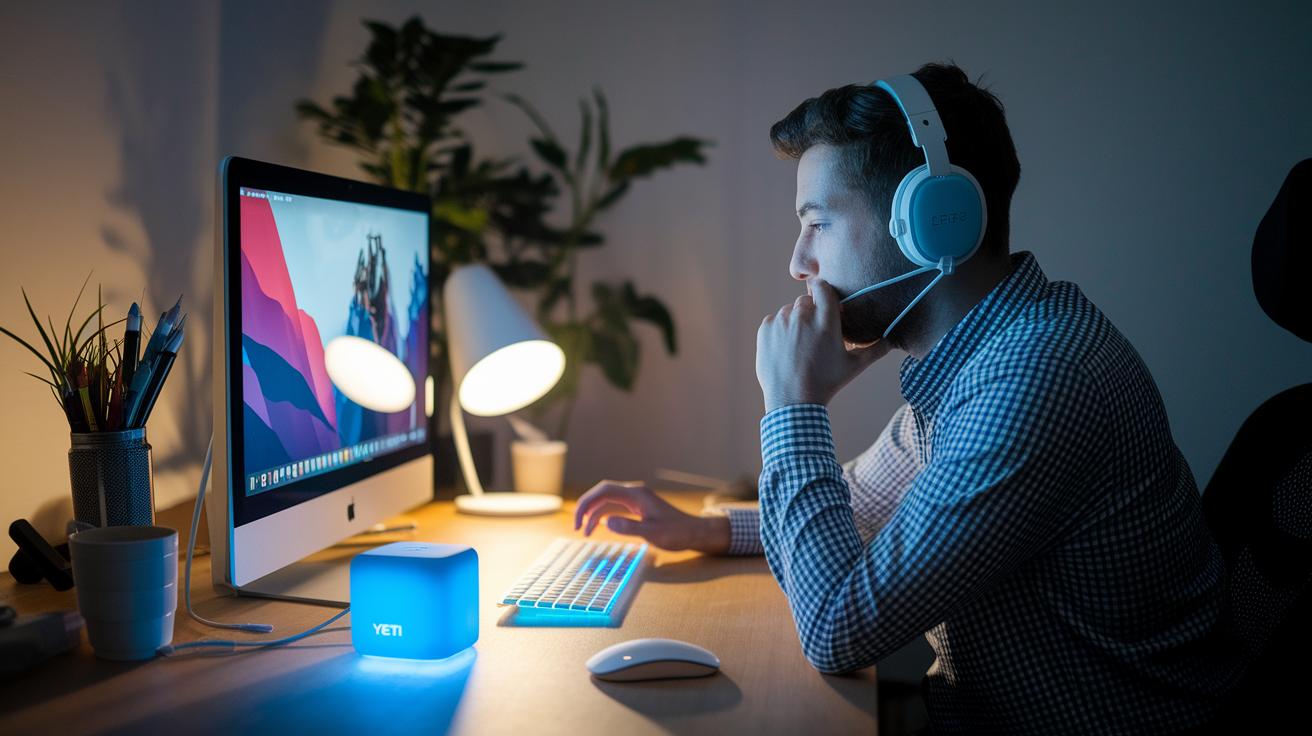
Bottom line: These easy-to-use mics give beginner streamers solid sound without costing a fortune. If you're just getting started, these plug-and-play options deliver clear audio and hassle-free setup.
For entry-level streamers looking for dependable gear, our updated lineup now features the Amazon Basics USB Condenser and the Elgato Wave Neo alongside other trusted models.
| Model | Price Range | Key Features |
|---|---|---|
| Blue Yeti Nano | Under $100 | Omnidirectional/cardioid modes, zero-latency monitoring, mute switch |
| Logitech Yeti Orb | Around $60 | 70–20 kHz frequency range, customizable RGB lighting, basic stand controls |
| Amazon Basics USB Condenser | Very low price | USB plug-and-play, straightforward controls |
| Elgato Wave Neo | Under $100 | 96 kHz/24-bit recording, tap-to-mute button, metal stand, built-in pop filter |
| RODE PodMic USB | $100-range | Dynamic mode pickup, integrated swing mount for steady setup |
Each mic strikes a balance between simplicity and reliable sound quality. For instance, the Blue Yeti Nano's near-instant monitoring means you won't experience lag when streaming, while the Elgato Wave Neo's tap-to-mute button makes it easy to cut audio instantly during your broadcast. This updated table puts all your affordable streaming options in one easy view, so you can find the best match for your setup.
Premium Streaming Microphones for Professional Use
Bottom line: These pro-grade mics boost your streaming sound to a whole new level, each built for specific needs and budgets.
Shure SM7dB
This mic’s built for studios with its dynamic design and a +28 dB boost. It keeps your voice sharp and clear even during long, demanding streams.
SteelSeries Alias Pro
Featuring a solid build and an XLR bundle for multiple mic setups, this mic is a go-to for creators who need tough, reliable performance every time.
Shure MV7+
Enjoy the best of both worlds with USB-C and XLR outputs. Plug it in for a quick setup or go full studio mode when the time calls for it.
Rode NT-USB+
This mic delivers a pro-level USB experience. Its built-in digital signal processing (DSP) ensures your audio remains true to your voice, perfect for polished broadcasts.
RODE X XDM-100
A smart choice if you're watching your budget but still want quality. This XLR mic gives solid sound without a hefty price tag.
Beyerdynamic FOX
Compact yet detailed, the FOX records at 96 kHz/24-bit. It captures every nuance of your voice, making it ideal for on-camera use.
Rode Wireless Go Gen 3
If you’re always on the move, this wireless mic keeps your sound steady. It offers seamless mobility without sacrificing quality.
Logitech Blue Sona and Elgato Wave:3
Both of these mics use precise circuitry and built-in limiters to keep your audio clean and steady during live shows.
Streaming Microphone Setup Best Practices and Accessories
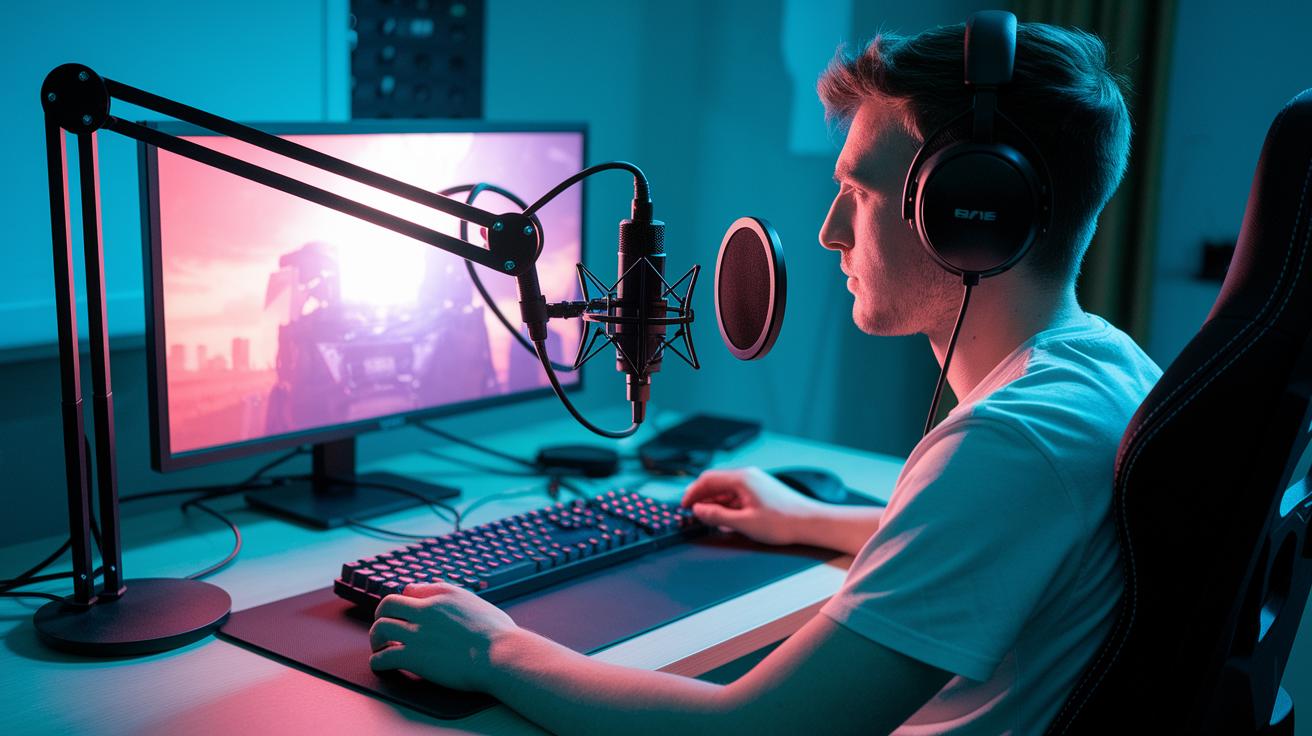
Want crisp audio for your live streams? The secret is having the right gear in place. A solid setup keeps your audio clear and lets you focus on gameplay and engaging your audience.
Here’s the breakdown:
- Boom Arms & Mounts: Use shock-absorbing arms or desk clamps to lock your mic in place during those intense sessions.
- Pop Filters & Windscreens: These cut plosive sounds (like hard P's and B's) and tame background noise for a cleaner signal.
- Shock Mounts: They help keep the mic isolated from desk vibrations to give you purer sound.
- Cable Management: Velcro ties and under-desk trays stop cords from tangling or getting yanked accidentally.
- Direct Monitoring: Take advantage of headphone jacks that give zero-latency audio so you catch issues as they happen.
- Software Integration: Fine-tune your settings through platforms like OBS or Reaper for smooth track routing.
- Environment Prep: Set up in a quiet room, add foam panels for sound control, and position your cardioid mic (a mic that mostly picks up sound from the front) for the best pickup.
Bottom line: A well-organized setup can cut unwanted noise by up to 40%, making your live streams sound noticeably crisper. Get these accessories set up and watch your stream quality level up instantly.
Final Words
in the action, we reviewed top picks for streaming microphones, from budget options under $100 to premium models for professional use. We broke down key features like sample rate, onboard controls, and build quality and compared USB and XLR setups. We also highlighted best practices and must-have accessories for clear, crisp sound on streams.
The aim was to equip you with data-driven insights to make a smart decision for your setup. Pick the right streaming microphone and enjoy smoother gameplay and flawless capture on your next stream.
FAQ
What does a streaming microphone with an arm offer?
A streaming microphone with an arm provides flexible positioning and isolation from desk vibrations, helping reduce noise while ensuring your voice stays clear during broadcasts.
What is a streaming microphone clip-on design?
A clip-on streaming microphone attaches directly to your headset or clothing, offering hands-free use and convenience for on-the-go streaming setups.
What does a streaming microphone for PC do?
A streaming microphone for PC connects via USB or XLR, enabling simple plug-and-play use while delivering quality sound for gaming and live broadcasting.
What is the best streaming microphone for quality audio?
The best streaming microphone balances ease of use, sound clarity, and features; models like the Shure MV7 and HyperX QuadCast offer excellent performance for streamers.
What is the best budget microphone for streaming?
Budget streaming microphones, such as the Blue Yeti Nano or Logitech Yeti Orb, provide solid audio quality, noise reduction, and straightforward USB connectivity at an affordable price.
What does a streaming microphone for iPhone provide?
A streaming microphone for iPhone typically features a compact design and lightning or USB-C connectivity, ensuring markedly better audio quality than the built-in mic during mobile broadcasts.
What are the benefits of using a RØDE streaming microphone?
RØDE streaming microphones, like the PodMic and NT-USB+, are known for robust sound quality and solid construction, making them reliable for both desktop and mobile streaming setups.
What advantages does a wireless streaming microphone offer?
A wireless streaming microphone delivers freedom from cables, allowing greater mobility during recordings or live streams while maintaining consistent audio quality.
What type of mic should I use for streaming?
For streaming, choose a mic with clear USB or XLR connectivity, a cardioid pickup pattern, and noise-cancelling features; this combination helps ensure your voice is dominant over background sounds.
How do I stop my mic from picking up background noise?
To stop background noise, use a cardioid microphone positioned close to your mouth, enable any noise-reduction settings, and consider using accessories like pop filters or shields to block unwanted sounds.
Is my current microphone good for streaming?
If your microphone picks up excessive ambient noise or lacks clear vocal capture, it might not be ideal for streaming; upgrading to a dedicated streaming mic can significantly boost sound quality.
Do I really need an external mic for streaming?
An external microphone typically offers better sound clarity and control than built-in options, making it a worthwhile upgrade for anyone looking to improve their streaming audio quality.
What are the features of the Shure MV7 microphone?
The Shure MV7 combines USB and XLR connectivity with onboard controls, delivering versatile, high-quality audio perfect for gamers and content creators seeking studio-grade performance.
How does the Shure MV6 USB Gaming Microphone perform?
The Shure MV6 USB offers a compact design with easy USB connectivity, capturing crisp voice audio and featuring adjustable gain controls tailored for gaming and streaming.
What makes the Audio-Technica ATR2100x-USB microphone suitable for streaming?
The Audio-Technica ATR2100x-USB features dual USB/XLR connectivity with a cardioid pattern, ensuring focused voice capture and reducing background noise—ideal for streaming in busy environments.
What are the benefits of using the HyperX SoloCast USB Condenser Microphone?
The HyperX SoloCast delivers plug-and-play USB simplicity along with clear condenser audio, serving as a reliable and budget-friendly option for streamers seeking straightforward quality.
How does the RODE PodMic Dynamic Microphone enhance streaming setups?
The RODE PodMic offers robust dynamic sound capture with an integrated swing mount and pop filter, making setup simple and audio quality solid for engaging live streams.
What does the Blue Snowball iCE USB Microphone provide for new streamers?
The Blue Snowball iCE provides decent streaming audio with simple plug-and-play connectivity, making it a practical, entry-level option for those new to live streaming.